

Looking to integrate Skyvern into your own app? See the Quickstart instead.
The dashboard
Sign in and you’ll land on the Discover page, the starting point for running automations.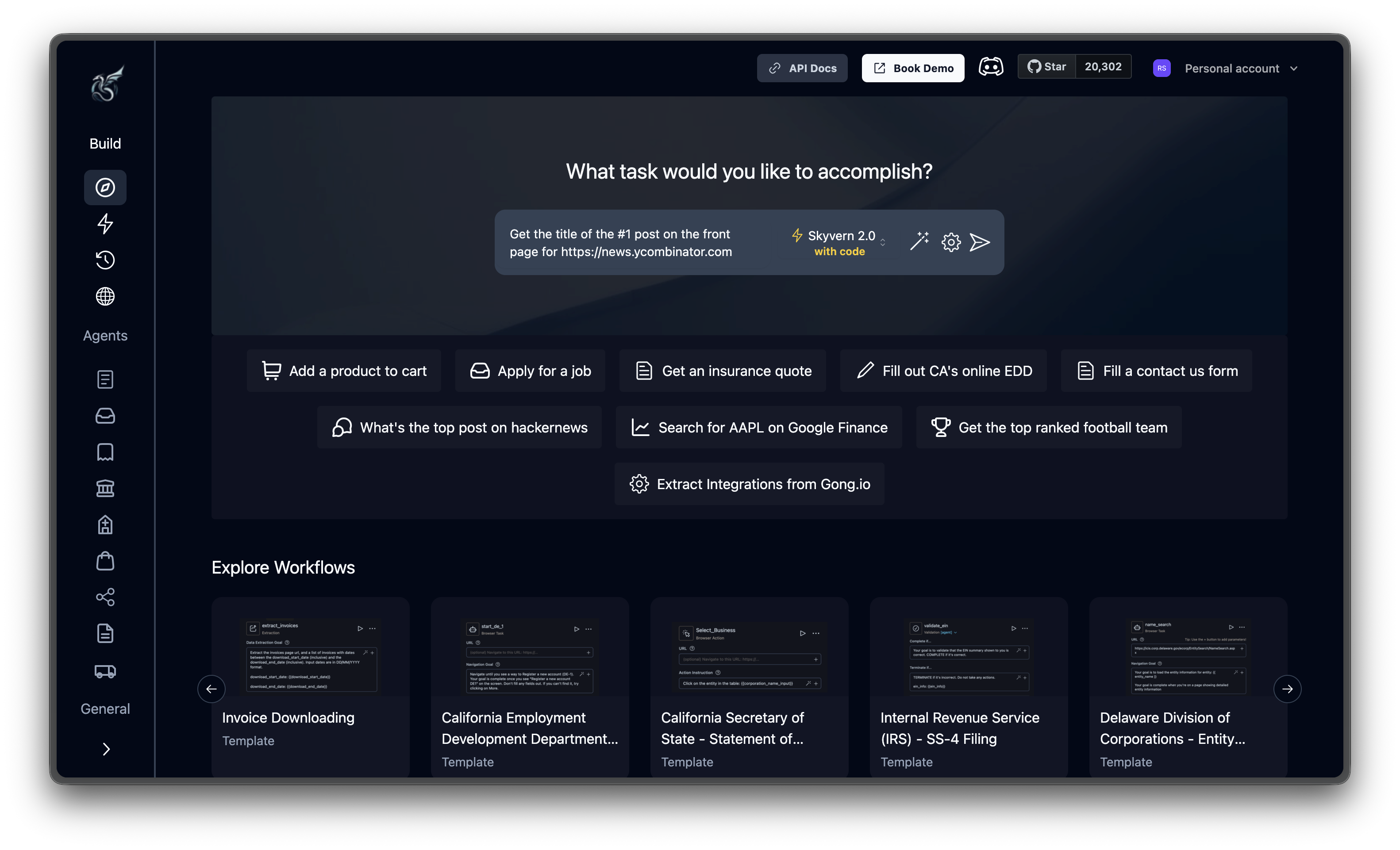
Build
Where you create and monitor automations.Agents
Ready-made automation templates. Each agent is preconfigured with a prompt, target URL, and settings. Pick one to see it work or use it as a starting point for your own task.General
How it works
Every automation in Skyvern Cloud follows the same pattern:1
Describe your task
Type what you want into the prompt bar. Include the target URL and your instructions in one go. Something like “Get the top post from https://news.ycombinator.com” or “Fill out the contact form at https://example.com/contact with my details.”
2
Watch it happen
A cloud browser opens and you see it navigate in real time. Pages load, elements highlight, actions fire. An agent log streams the AI’s reasoning (what it sees on the page, what it plans to do, and why) so you can follow along. If the AI gets stuck, hit Take Control to jump in and help.
3
Get your results
Extracted data appears as structured JSON on the run detail page. Every run also includes an output view, full recording, the parameters you submitted, and auto-generated code to reproduce the task via API.
Next steps
Run Your First Task
Follow along with a real example to see Skyvern Cloud in action
Core Concepts
Understand tasks, agents, and other foundational concepts