

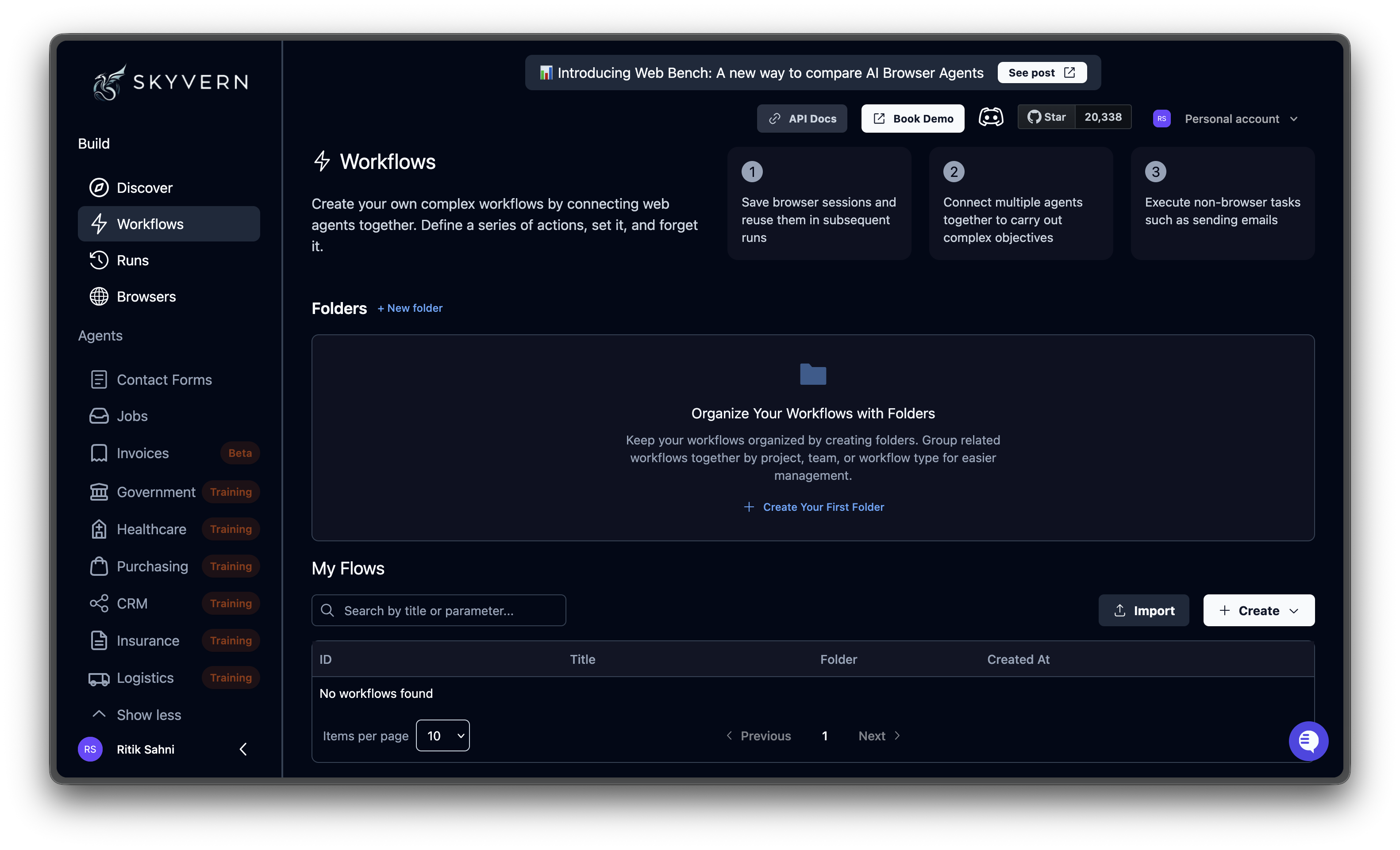
The agents table
The table lists all agents in your organization with the following columns:
Each row also has inline action buttons: folder assignment, parameter toggle, open in editor (pencil icon), run (play icon), and a three-dot menu for additional actions.
Organizing with folders
The top of the page shows your recent folders as cards. Use folders to group related agents.- Click + New folder to create one
- Click a folder card to filter the table to that folder’s agents
- Assign an agent to a folder using the folder icon in the table row
- Click View all to see all folders when you have more than five

Searching and filtering
Use the search bar above the table to filter agents by title or parameter. The results highlight matching text and auto-expand parameter rows when a parameter matches. The items-per-page selector at the bottom lets you choose 5, 10, 20, or 50 rows per page.Agent actions
Click the three-dot menu on any agent row to access these actions: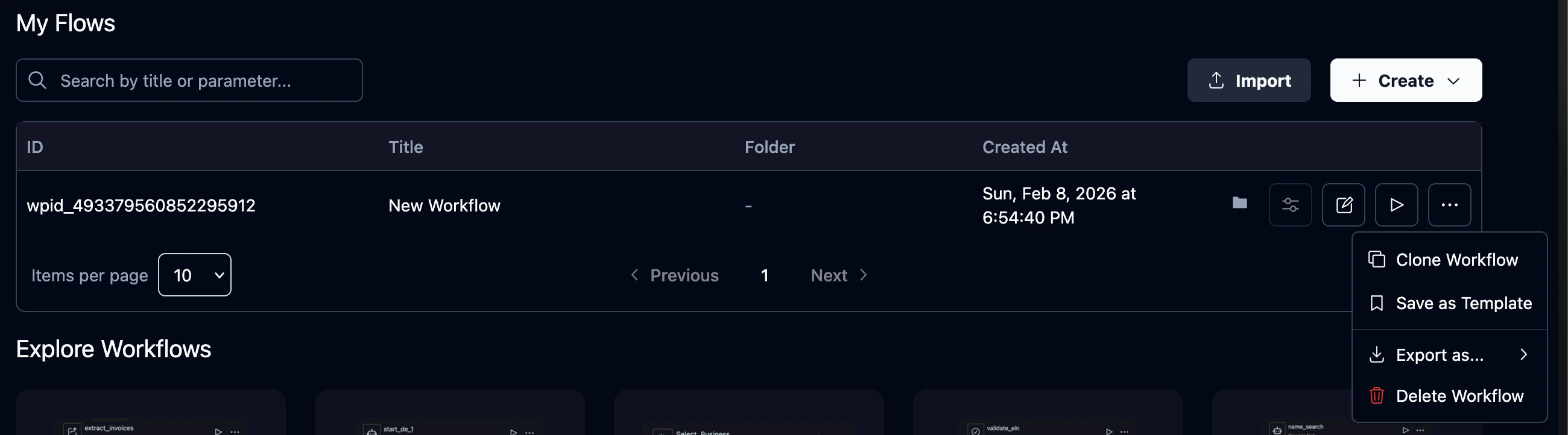
Importing agents
Click the Import button to upload agent files.What’s next
Open the Editor
Build automations visually with the agent editor
Add Parameters
Make agents reusable with dynamic input values