5 Best AI Browser Agents for Automating Work on the Web

If you’re tired of your team clicking through the same web tasks, an AI browser agent could take some of that work off their hands. These tools can automate tasks such as filling out forms, collecting documents, and updating customer records.
We build Skyvern for exactly this kind of work, including complex workflows on government websites and vendor portals.
In this article, we cover five agents, including Skyvern, to help you choose. We explain how you build workflows with each tool and how much control it gives you over browser actions. We also walk through an example of collecting invoices from vendor portals with Skyvern.
If you’d rather skip the list and see how Skyvern could handle your team’s web tasks, book a personalized demo with us.
What can an AI browser agent do?
An AI browser agent reads the page, picks an action, performs it, and looks at the result before continuing. With an AI agent operating in the browser, you can describe a task and let the model work out which pages to go to, which buttons to click, and which fields it needs to fill.
For example, you can:
- Handle complex form-filling tasks across sites that have different layouts, conditional fields, date pickers, and file uploads.
- Collect reports or documents from websites that require a login.
- Search through a website and perform data extraction to return specific details as Markdown, JSON, or a spreadsheet.
- Update records in a web app that doesn’t have the API you need.
- Walk through signup or checkout flows to check whether your application works.
Depending on the tool, the agent uses one or more inputs to read the page: screenshots, HTML, or an accessibility tree.
The accessibility tree describes controls such as buttons, links, and text fields by their roles and labels. Screenshots help when a control’s appearance explains more than its HTML does.
If you ask an agent to fill out complex job applications, it can identify the fields and respond to validation messages as they appear. You can also write known steps in code and ask the model for help only where the page needs interpretation.
When you need a browser agent, and when you don't
Before choosing a browser agent, check whether the site’s API can handle the task or a web search can find the public information you need. Use a browser agent for the steps that need a logged-in browser and change from run to run.
| Approach | Use it when | What you maintain |
|---|---|---|
| The site's API | The API covers the data or action you need | API keys and code that keeps up with API versions |
| Web search or a scraping API | The answer is public text that anyone can open | Queries and the parsing of results |
| A Playwright script | The steps are known and the pages rarely change | Selectors and code, updated when a page changes |
| An AI browser agent | The task needs a login, a form, or a download, and the pages or paths vary between runs | Task instructions, stored credentials, and checks on the output |
A Playwright script is traditional browser automation: each run is usually fast and cheap, as long as the page still matches what the script expects. When an agent asks a model what to do at each step, a run can take longer and cost more than a script. That's why Skyvern caches the steps an agent has already worked out, so a repeat run can replay them without asking the model again.
You can combine these approaches in one workflow. An agent signs in to a vendor portal and downloads a file, and then an API call hands the file to the system that needs it.
If you already have Playwright scripts and only need somewhere to run the browsers, Skyvern also sells cloud browser sessions on their own: your code connects over the Chrome DevTools Protocol, and you pay for the hours the browser runs. Our comparison of scripts and AI automation goes through the trade-offs in more detail.
How we picked these five
We focused on agents for recurring business tasks. Each offers an SDK, an API, or a platform you can build on. Consumer AI browsers that help one person while they browse are a different kind of tool, so they aren’t included in the main five.
When choosing these five, we considered login and 2FA support, control over individual steps, error recovery, repeat runs and schedules, and who can build the workflows.
We didn't run a benchmark for this list. If you want to measure agents on tasks like yours, our Web Bench write-up explains how we built a benchmark for browser agents.
5 best AI browser agents
These five agents offer different ways to build workflows and control browser actions.
1. Skyvern, best for business workflows
Skyvern has been built around business workflows, such as repeated portal work, with logins, forms, and downloads.
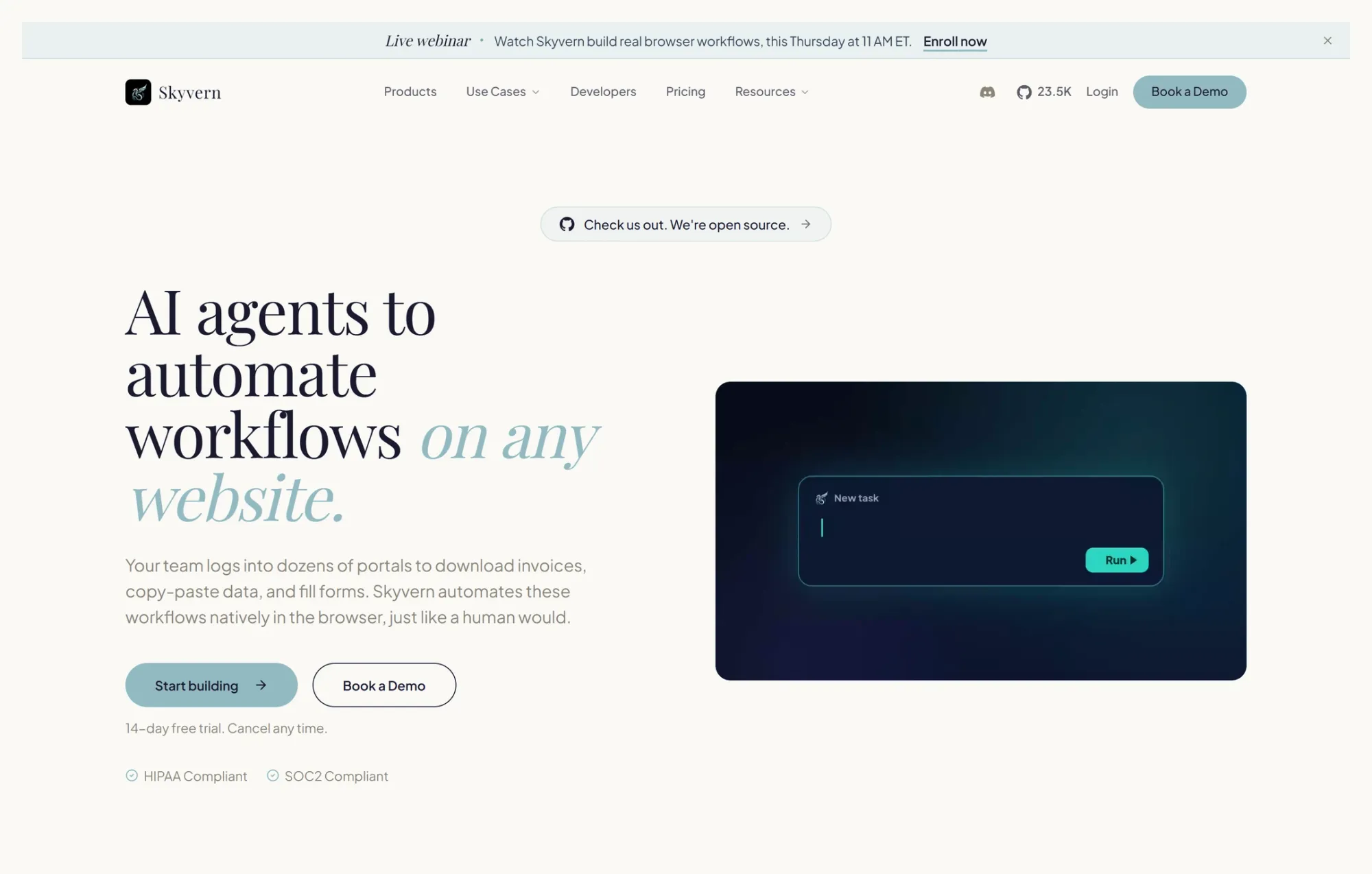
It handles CAPTCHAs, 2FA, stored credentials, human reviews, and error reporting, and some of that depends on the plan (pricing):
- CAPTCHAs: every plan includes a solver (Basic on Hobby, Advanced on Pro, and Elite on Enterprise). Solving isn't guaranteed.
- Logins and 2FA: stored credentials, email codes, and magic links work on every plan, and authenticator-app (TOTP) codes are on Pro and up. We explain the login side in how Skyvern handles authentication.
- Human review: on Enterprise, a run can pause until a person approves or rejects the next step.
- Error reporting: every run keeps a recording, screenshots, and a timeline, so you can see where it went wrong (runs docs).
To see how Skyvern handles your own portal workflows, start a 14-day free trial of Skyvern Cloud.
You can start with a prompt or build a visual workflow. Developers can also combine AI actions with their own code. Skyvern reads the page and works out the interactions, so you don’t have to write a separate selector for every field. See how Skyvern works.
It can handle the full process:
- Fill forms with conditional fields and file uploads.
- Sign in with stored credentials and handle supported verification methods once configured.
- Download documents, extract their contents, and return structured results.
- Process lists of records, with workflows configured to continue when an individual item fails.
For example, an invoice workflow can sign in to a portal, find the relevant invoices, download each PDF, and extract the amounts. Our invoice downloader example shows how those steps fit together.
For repeated runs, Skyvern can reuse generated code instead of asking the model to work through every familiar step again. If that code fails after a page changes, it can return to AI and rebuild the cache. See code caching.
2. Browser Use
Browser Use gives developers room to build an agent around their own business rules. Its open-source library lets you choose a model and add custom tools that connect it to your application.
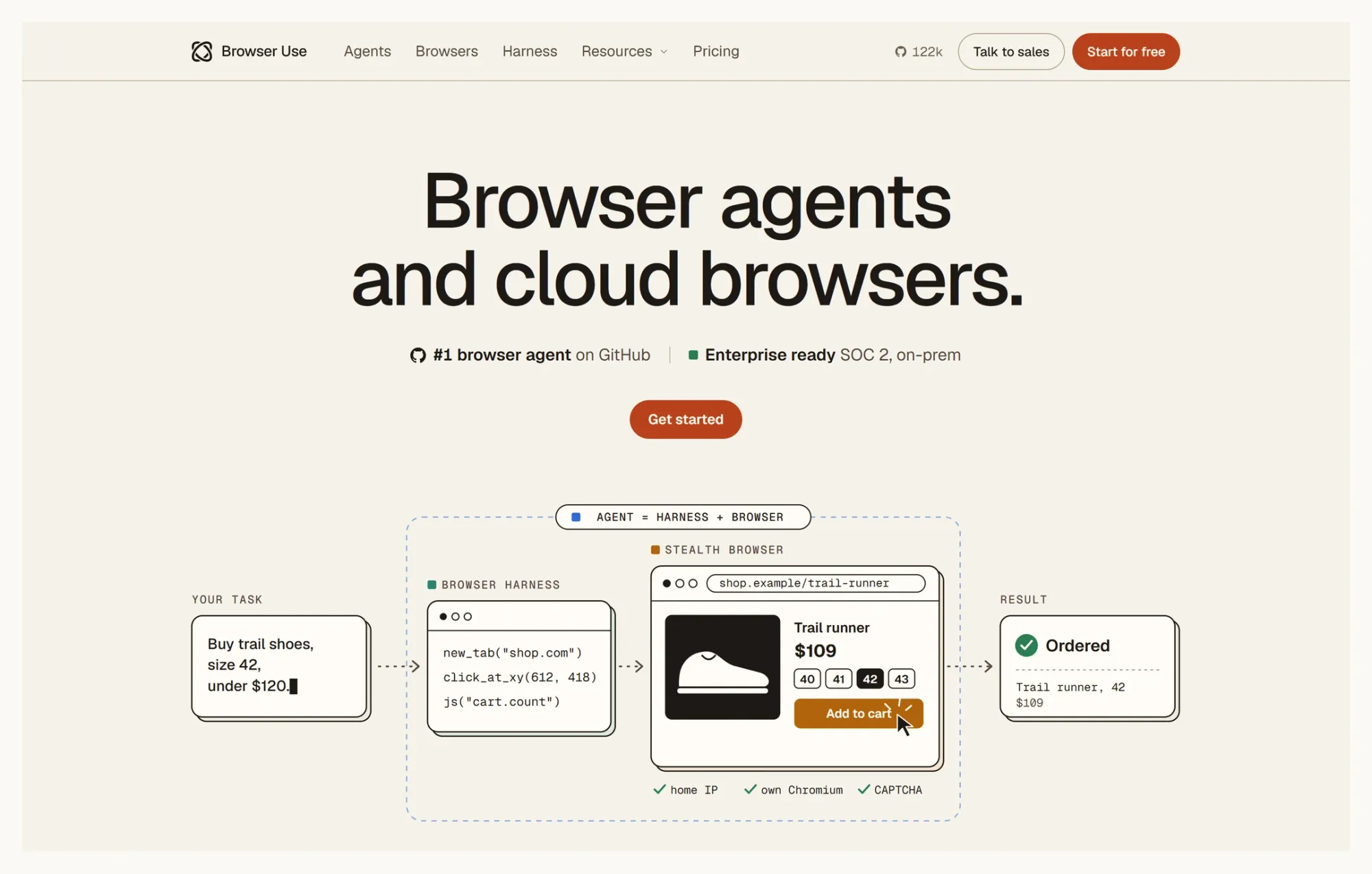
Alongside filling forms and extracting data, the agent can call your own functions. It could look up an account in a database before updating that account on a website. Saved browser profiles can also reuse login state, although some sites will require another sign-in.
You can run the agent yourself or use Browser Use Cloud, its hosted agent API, which runs tasks and returns results. With a custom implementation, developers also need to handle how the job saves progress and recovers after failure. We compare it with similar tools in Browser Use alternatives.
3. Stagehand
Stagehand lets you specify the sequence of browser actions and use AI for steps that are harder to script.
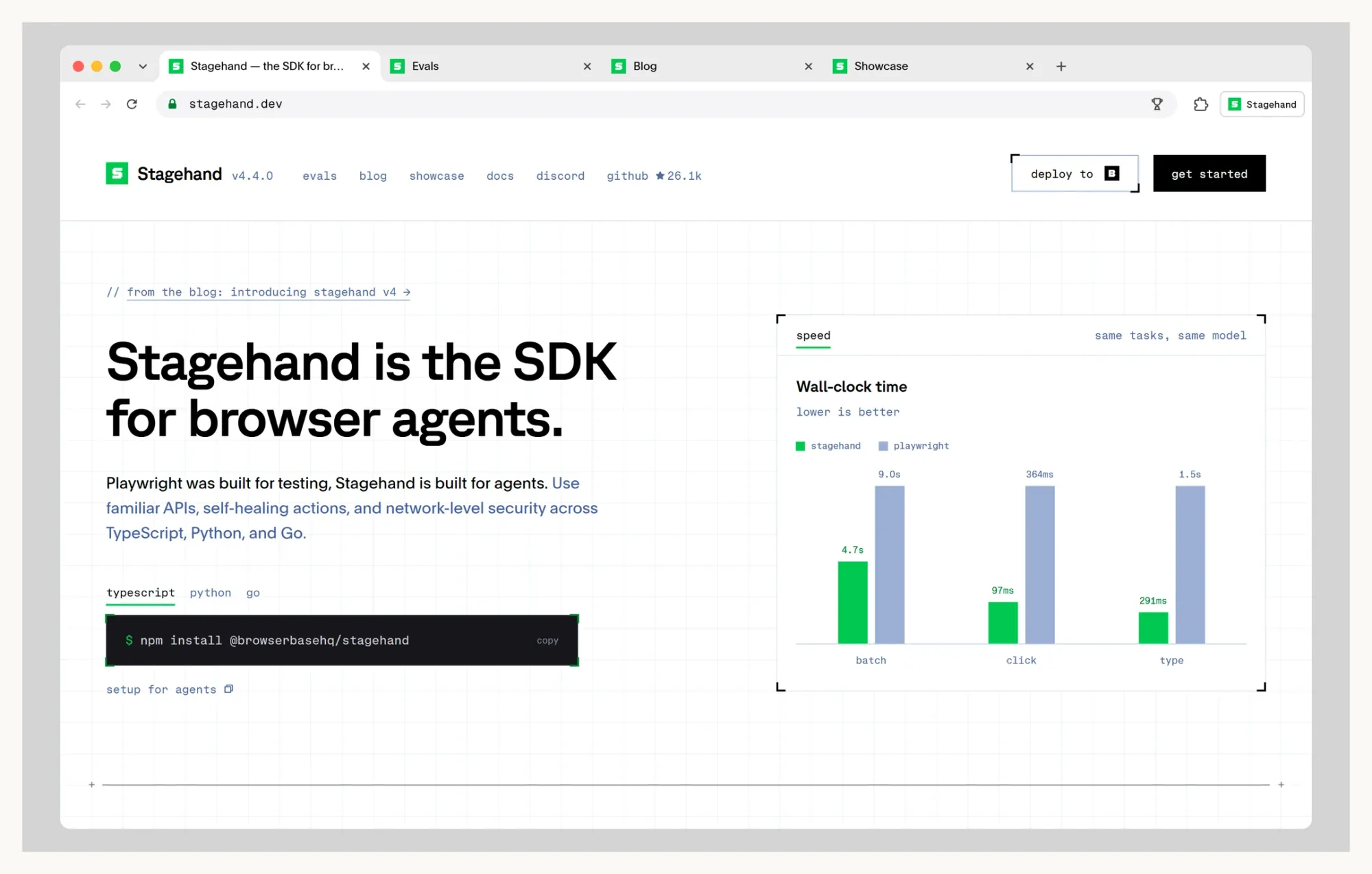
It can find controls from a description, perform browser actions, and extract structured data. You can combine those actions with ordinary code to control decisions such as whether an amount is acceptable or a record should be updated.
For example, your application could open a customer account, ask Stagehand to find the latest statement, and check its date before downloading it.
Stagehand currently requires a Browserbase browser to cache repeated actions and extractions. We compare it with Skyvern’s MCP server in Skyvern MCP vs Stagehand.
4. TinyFish
TinyFish takes a website and a goal, then lets its agent choose the browser actions.
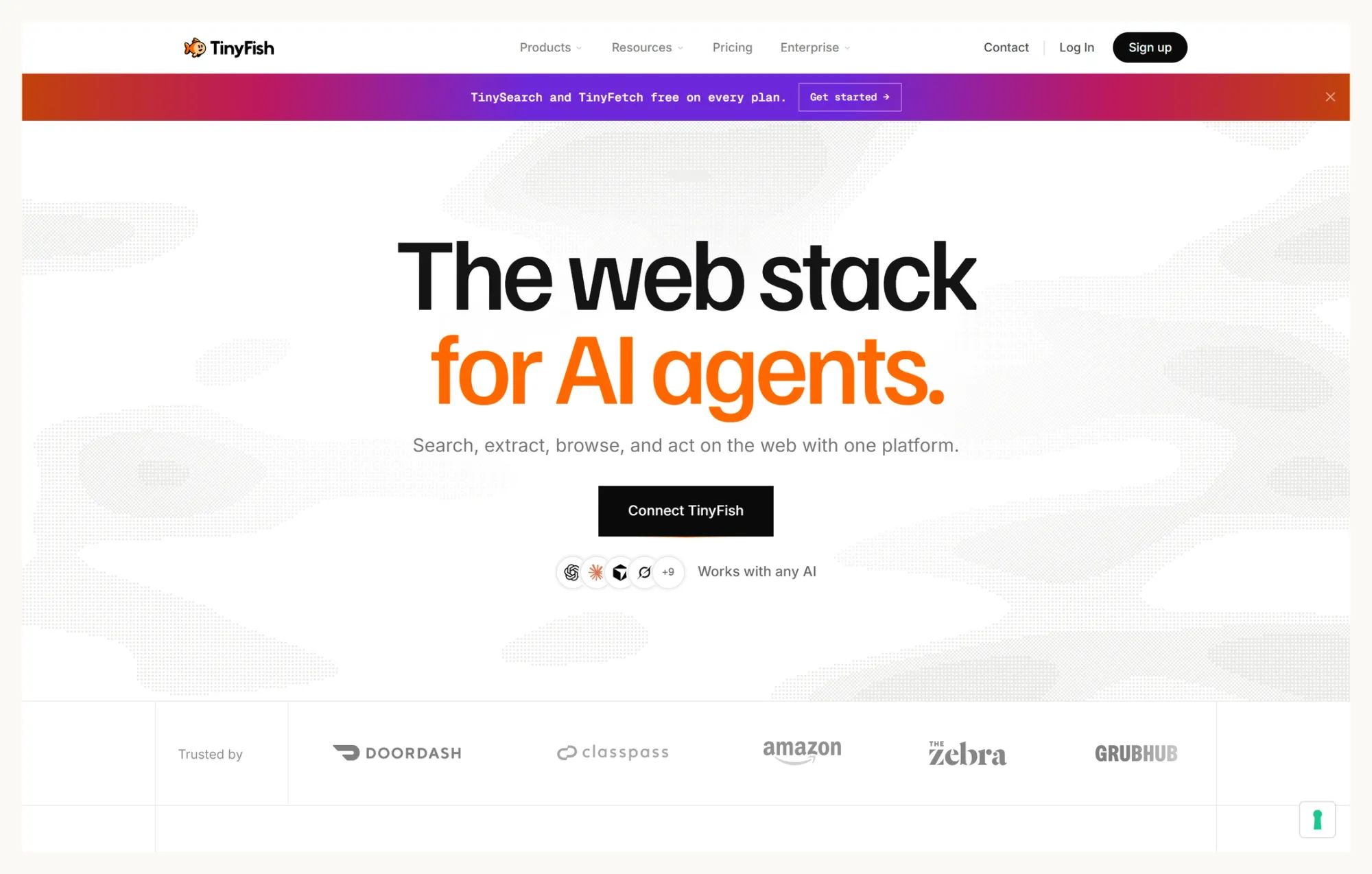
The agent can work through forms and collect information across pages, such as product prices or supplier catalogue details. You can specify the output fields for use in another system.
TinyFish describes its Agent API as goal-based automation. It offers limited control over individual actions, while Skyvern’s SDK lets you add your own logic between browser steps.
5. Agent Browser
Agent Browser, from Vercel Labs, gives an existing coding agent, such as Claude Code or Cursor, a way to inspect and operate a website.
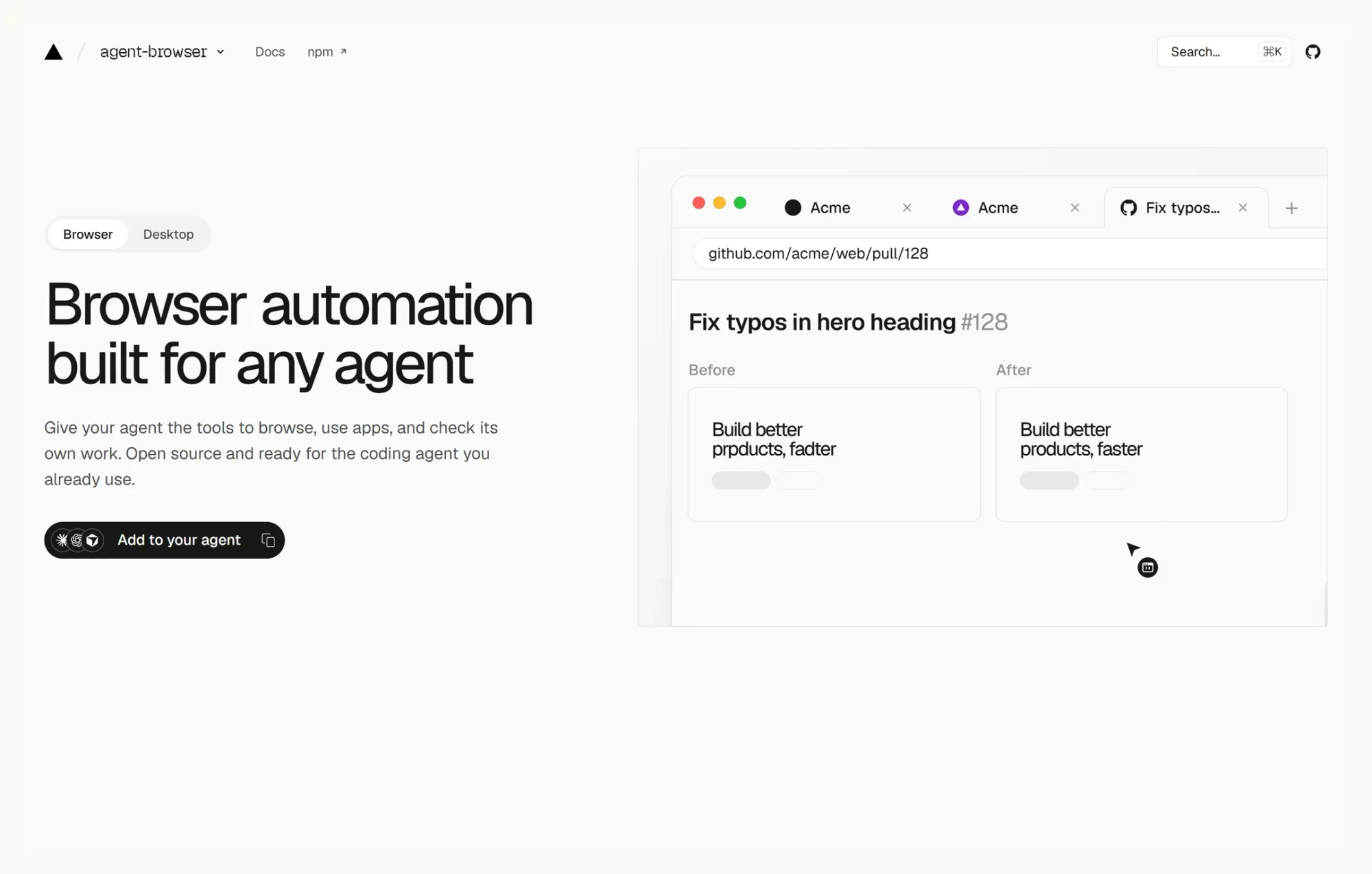
It can expose the page’s controls in a compact snapshot, then let the agent click buttons, fill fields, manage tabs, and take screenshots. It also supports browser sessions and saved login state.
You can configure restrictions on domains and actions, including confirmation for selected operations. Those controls are optional and need to be enabled.
Agent Browser provides the browser commands. The coding agent or your application supplies the plan. To turn it into a recurring business process, you also need a way to schedule jobs and track which records still need work after a failure.
Related tools: no-code extensions and AI browsers
No-code extensions and AI browsers offer other ways to automate tasks in a browser.
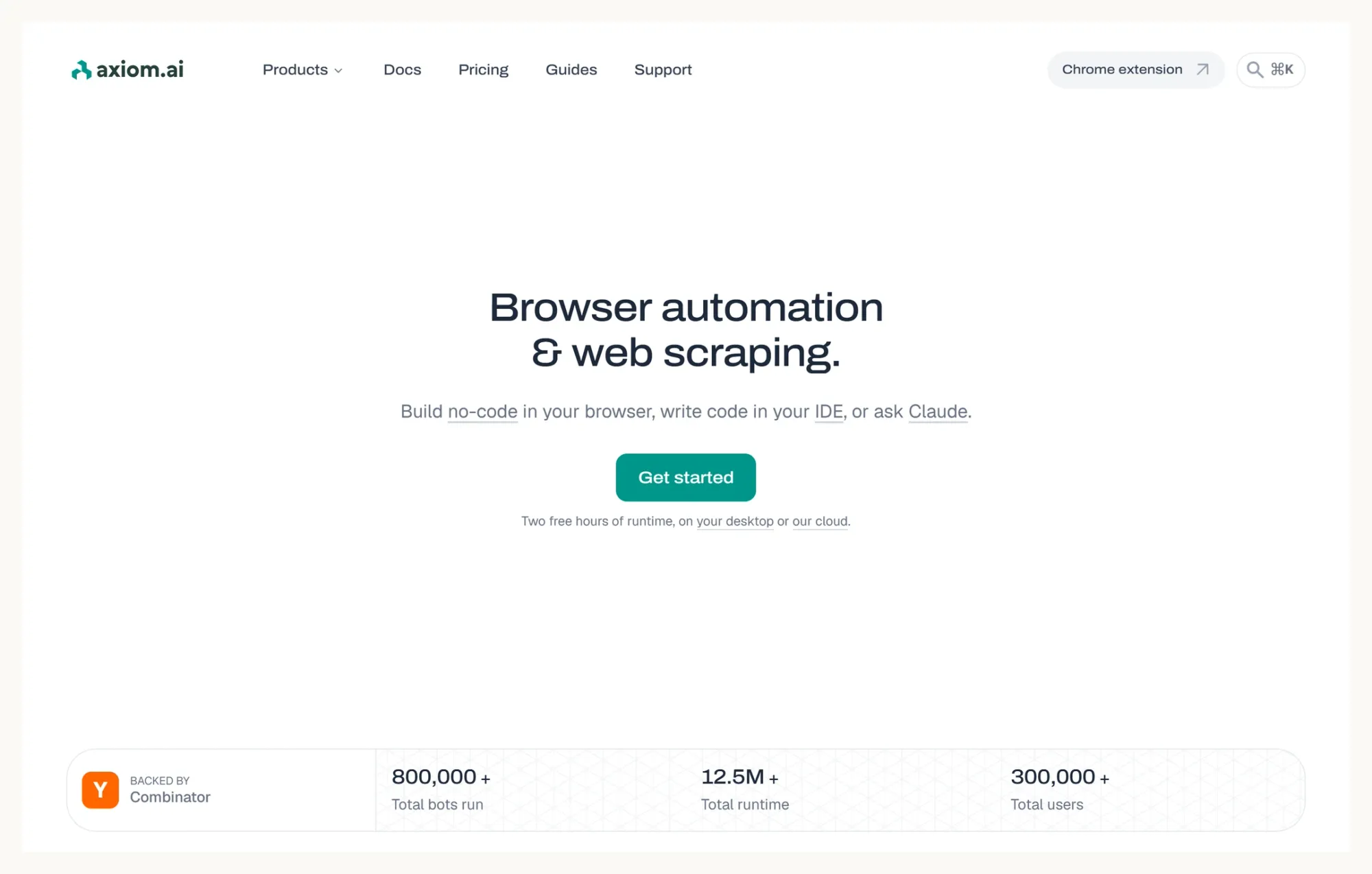
- Axiom is a Chrome extension for building browser bots without code, either step by step or by describing the task to its AI, and its cloud can run them on a schedule.
- AI browsers such as Fellou are browsers you download that carry out a task from a prompt, like pulling together a research report. They're aimed at assisted browsing rather than unattended runs of a business process.
Example: build an invoice collection agent
An invoice collection workflow in Skyvern can handle monthly downloads from vendor portals. Splitting the job into smaller steps lets you record failed downloads for retry and continue processing the remaining invoices.
- “Download April 2026 invoices, including each PDF, invoice number, and amount.” Pass the account, portal, and dates as inputs so you can reuse the workflow.
- Add a login step using saved credentials. Skyvern fills the password without putting it in the task prompt (it can also handle supported 2FA methods once configured).
- Have the agent find the billing history, apply the dates, and collect the invoice links across all pages. Use a loop to download each document.
- Parse the PDFs and check that their numbers and dates match the requested records. Some portals filter by order date, which may differ from the invoice date.
- Keep a list of failed downloads and continue with the remaining invoices. If the session expires, the job should log in again and resume with the unfinished invoices.
- Once the job works, schedule it and use cached code for the repeated browser steps. Continue to check the files after each run.
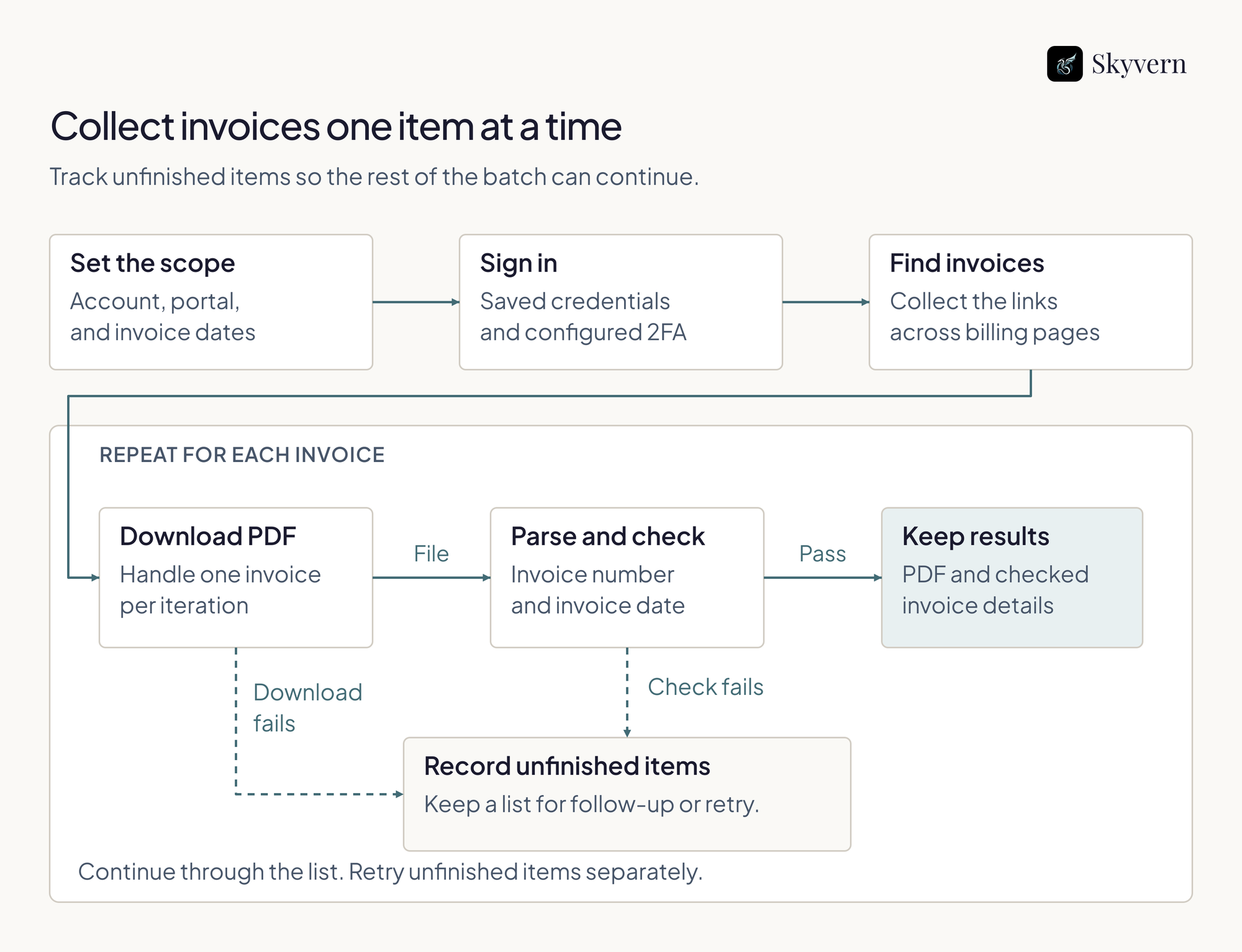
The same approach works for statements and purchase invoices from supplier and marketplace portals. Our guide to how to automate invoice downloads from vendor portals covers the setup in more detail.
Try Skyvern on one recurring portal task
The tools in this list differ in how you build workflows and control individual browser actions. For recurring work, consider who'll maintain the automation and how it'll handle unfinished tasks. An API call may cover the job already, while a search may be enough for public information.
Start a 14-day free trial of Skyvern with one recurring task your team currently handles by hand. Use the invoice collection example as a starting point on a familiar portal, and assess the results before scheduling regular runs.
FAQ
What is an AI browser agent?
An AI browser agent is software that uses an AI model to operate a web browser for you. Instead of following a script written ahead of time, it looks at each page and decides the next click or entry. That lets it work on sites it hasn't seen before, and a layout change is less likely to stop it.
Do I need to code to use one?
Not with every agent. Some are SDKs for developers, and others, like Skyvern, also have a no-code builder. In Skyvern, Copilot can build a workflow from a plain-English description, an uploaded standard operating procedure (SOP), or a recording, and you can change it in the visual builder (products). Browser Use, Stagehand, and Agent Browser are developer tools, so someone on your team will write code.
Are AI browser agents reliable enough for business processes?
They can be, when the workflow checks its own results and hands unclear cases to a person. Add a step that compares the output with what you asked for, keep the record of each run, and put a human review before any step that submits or pays for something. In Skyvern, that review step is part of the Enterprise plan. Start with one portal and one task, and widen it once the results hold up.
Keep reading

What Is Browser Automation? A Plain-English Guide for Operations Teams
Browser automation uses software or an AI agent to operate a web browser as a person would: logging in, clicking, typing, downloading files, and reading pages. It's also called web automation. Developers use it to test websites and collect data from public pages. For your operations team, it can handle routine tasks on payer portals, licensing board websites, or supplier billing sites. You might use it to download monthly invoices or check a patient's insurance coverage before a visit. We buil
Best Browser MCP Servers: Which One to Use and How to Set It Up
So, you've got your agent running and want it to control a browser through an MCP server. Maybe it needs to sign in to a supplier portal each week and download invoices. But which server will work with your client, get past the 2FA step, and keep a record of what the agent did? And how do you set it up? We build Skyvern for recurring work in third-party portals. Our MCP server supports stored credentials, scheduled agents, and run recordings. We put together this guide to help you choose a brow
CAPTCHA Bypass in Browser Automation: What Works, and When a Person Should Solve It
CAPTCHA bypass in browser automation means getting an automated run past a CAPTCHA, either by solving the challenge, by triggering fewer of them, or by handing the challenge to a person. If you automate work on websites, you will meet CAPTCHAs at some point. They tend to show up at logins, on search forms and before a form is submitted. Buyers ask us about them very often on sales calls. This guide covers sites your team is authorized to automate: portals you have an account on, public lookups
Put the browser to work
Use Skyvern for the work that lives in a browser.
Turn repetitive browser tasks into reliable workflows with Skyvern.