Firecrawl Review & Alternatives: July 2026 Update

If you're reading this Firecrawl review, you're probably trying to figure out whether the credit system and token subscriptions will cover your scraping needs or leave you scrambling for workarounds. The short answer is that Firecrawl excels at converting web pages into LLM-ready formats but stops short of workflow automation, form filling, and handling authentication. Here's what the alternatives offer when you need those capabilities built in.
TLDR:
- Firecrawl converts websites to LLM-ready formats but lacks workflow automation and uses dual pricing
- Alternatives range from data extractors to automation tools with varying self-healing capabilities
- Skyvern uses computer vision to automate complete workflows across multiple sites without selectors
- Single Skyvern workflow adapts to layout changes and handles auth, forms, and CAPTCHAs automatically
What is Firecrawl and How Does It Work?
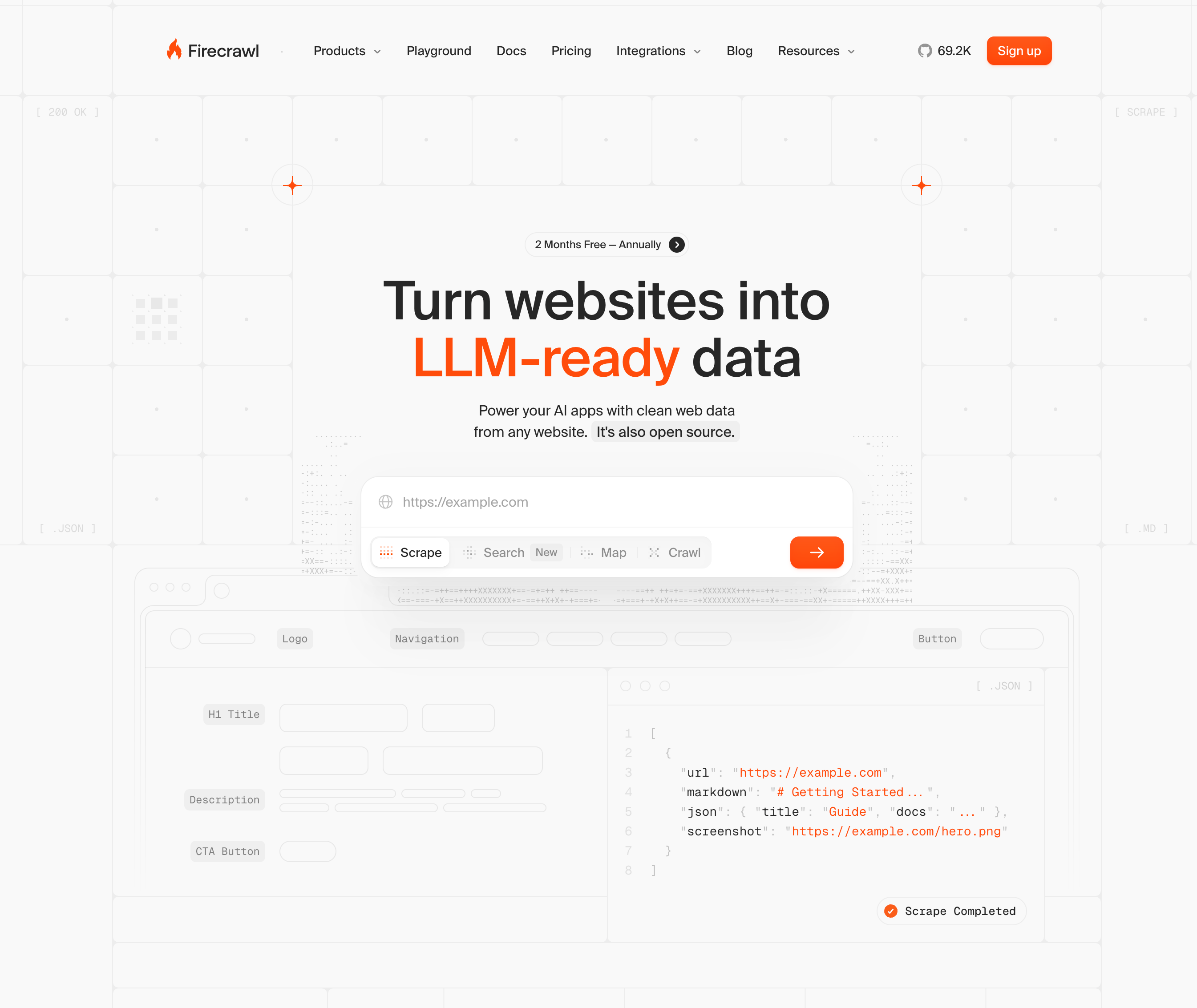
Firecrawl is an API-first web crawler built by Mendable.ai that converts websites into LLM-ready data formats like markdown and JSON. The service handles web scraping infrastructure for AI applications, RAG systems, and data pipelines. The service provides four core API endpoints:
- Scrape extracts data from single pages,
- Crawl processes entire websites,
- Map identifies URLs across a domain, and
- Extract pulls structured data using AI-driven extraction.
Firecrawl automatically determines whether to spin up a headless browser based on the page content. For JavaScript-heavy sites or single-page applications, it waits for dynamic elements to load before extracting data. The service filters out navigation menus, ads, and other noise automatically. Instead of writing CSS or XPath selectors that break when websites change their layout, Firecrawl uses semantic descriptions to locate and extract data. This approach works across different site structures without requiring custom code for each domain.
The service targets developers who need web data at scale for AI workflows through API calls, not non-technical users looking for a visual scraping tool.
Why Consider Firecrawl Alternatives?
There are four core reasons why you might want to consider alternatives to Firecrawl:
- Firecrawl's AI-powered extract feature runs on a separate token-based subscription. This subscription starts at $89 per month for 18 million tokens annually, independent from the credit-based scraping plans. This dual pricing structure creates unexpected costs if you assume your monthly credits cover all functionality.
- The service enforces strict rate limiting across subscription tiers. Single page scrapes cost 1 credit, while crawl and map operations consume 1 credit per page. Lower-tier plans cap crawls at 50 pages maximum, which creates problems for large e-commerce catalogs, news sites with deep archives, or documentation with complex hierarchies.
- The open-source version isn't production-ready for self-hosting. The project remains under active development, with self-hosted endpoints behaving differently than cloud versions. Key features like proxy rotation, dashboards, and bot protection bypasses stay cloud-only and closed-source.
- Firecrawl excels at web-to-markdown conversion for developers building AI applications at small to medium scale. But if you need unlimited crawling depth, predictable all-in-one pricing, production-ready self-hosting, or automation beyond data extraction, you'll need to look elsewhere. Firecrawl lacks native workflow automation, form filling, and complex multi-step browser interactions.
Skyvern (Best Alternative)
Skyvern uses computer vision and LLMs to interpret web pages visually instead of relying on DOM selectors or XPaths. A single workflow runs across multiple websites without modification and adapts automatically when layouts change. The service handles form filling, authentication, 2FA/TOTP, and CAPTCHA solving without pre-configured selectors. That browser execution layer sits inside a broader Agentic Process Automation platform, where credential management, audit trails, exception escalation, and structured output delivery are what make individual browser actions production-grade.
Key Features
- Code-first workflow architecture where automations are constructed as executable Python code blocks instead of prompt-based task chains, delivering faster execution, lower LLM token costs, and deterministic behavior, while maintaining visual abstraction for non-technical users who never see the underlying code
- MCP (Model Context Protocol) integration available to all customers by default, serving as the primary interface for tech-forward teams
- Computer vision-based page interpretation that works on websites never seen before without custom code
- Single workflow applicable across multiple websites without requiring site-specific modifications
- Built-in authentication handling including 2FA, TOTP, and CAPTCHA solving capabilities
Limitations
- Visual workflow builder covers common use cases, but complex deployments and integrations require API or Python code configuration
- Cloud-based managed service may not suit teams requiring fully on-premise deployments
- Learning curve for teams transitioning from traditional selector-based automation approaches
- Performance depends on LLM response times for complex reasoning and decision-making tasks
- Open-source version requires technical expertise to self-host and maintain infrastructure
Bottom Line
Skyvern works best for companies automating workflows across multiple unfamiliar websites and teams dealing with frequent website changes. The code-first workflow architecture is a meaningful differentiator here: where Airtop and Stagehand rely on natural language prompts that still hit an interpreter at runtime, Skyvern constructs automations as executable Python code blocks, giving engineering teams deterministic behavior and lower LLM token costs while keeping the visual abstraction layer intact for non-technical operators who never see the underlying code. The service suits organizations handling materials procurement, invoice downloading, and form filling across vendor portals where traditional automation breaks regularly. Teams needing complete workflow automation with deterministic execution, built-in intelligence, and layout-resilient behavior (without the per-run token overhead of purely prompt-driven tools) will benefit most from Skyvern's approach. Not the right fit for teams automating a single internal portal with a stable layout and an existing API; the visual-AI layer adds overhead without adding value in those cases.
Stagehand
Stagehand is an open-source framework that controls browsers through natural language commands and code using act(), extract(), and agent() APIs. Built on Playwright, it offers self-healing automation by caching successful actions and adapting when websites change their structure. The MIT-licensed tool works best with language models that support structured output but requires Browserbase credentials or self-hosted infrastructure for production deployments.
Key Features
- Natural language browser control through three core APIs: act() for interactions, extract() for data retrieval, and agent() for autonomous workflows
- Self-healing automation that caches successful actions and adapts to website layout changes without manual script updates
- Built on Playwright for reliable browser control with support for Chromium, Firefox, and WebKit engines
- Open source with MIT license allowing full customization and transparency for development teams
- Structured output support for precise data extraction when paired with compatible language models
Limitations
- Requires separate infrastructure setup through Browserbase or self-hosting, adding deployment complexity
- Depends on underlying selectors despite natural language interface, making it vulnerable to breaking when websites restructure
- Lacks built-in authentication handling for complex workflows requiring 2FA or TOTP verification
- No native CAPTCHA solving capabilities, requiring third-party integrations for bot-protected sites
- Performance and reliability vary based on which language model you choose for the framework
Bottom Line
Stagehand works best for development teams comfortable with code-based automation who want self-healing capabilities without vendor lock-in. The framework suits technical teams building custom automation solutions with full control over their infrastructure and workflows. Organizations already using Playwright will benefit most from Stagehand's natural language layer, while teams weighing the Stagehand vs Skyvern tradeoffs and needing turnkey solutions with built-in authentication and CAPTCHA handling should consider managed alternatives.
Hyperbrowser AI
Hyperbrowser AI provides cloud-based headless browsers with stealth features, anti-bot detection, and automatic CAPTCHA solving. The service integrates with Puppeteer, Playwright, and Selenium for high-volume scraping operations. Handles infrastructure but requires traditional selector-based scripts that break with website changes.
Key Features
- Cloud-based headless browsers with built-in stealth features and anti-bot detection capabilities
- Automatic CAPTCHA solving for handling bot-protected websites without manual intervention
- Native integration with popular automation frameworks including Puppeteer, Playwright, and Selenium
- Managed infrastructure that handles browser scaling and maintenance for high-volume operations
- Credit-based pricing model that scales with usage for scraping projects
Limitations
- Requires traditional selector-based scripts that break when websites change their layouts
- No AI-powered workflow automation or intelligent decision-making capabilities included
- Lacks native form filling features for complex multi-step workflows
- No built-in authentication handling for 2FA or TOTP verification processes
- Focuses solely on data extraction without end-to-end workflow automation support
Bottom Line
Hyperbrowser AI works best for teams running high-volume scraping operations who need managed infrastructure with anti-bot features. The service suits developers comfortable writing and maintaining selector-based scripts who want to avoid infrastructure management. For a deeper look at how it stacks up, the Hyperbrowser AI vs Skyvern comparison covers organizations needing intelligent workflow automation, form filling, or self-healing capabilities that adapt to website changes.
Airtop
Airtop controls browsers through natural language commands and automatically handles OAuth, 2FA, and CAPTCHAs. Cloud-based browsers include proxy support and integrate with LangChain and LangGraph for AI-powered workflows. Region-locked authentication can cause workflow failures when proxy location doesn't match required geography.
Key Features
- Natural language browser control with AI-powered command interpretation for workflow automation
- Built-in authentication handling including OAuth, 2FA, and TOTP verification without manual intervention
- Automatic CAPTCHA solving integrated directly into the cloud-based browser infrastructure
- Native integrations with LangChain and LangGraph for building complex AI agent workflows
- Proxy support with geographic targeting for accessing region-specific content and services
Limitations
- Natural language prompts still rely on underlying selectors that can break with website changes
- Region-locked authentication workflows may fail when proxy location doesn't match required geography
- No visual understanding capabilities for interpreting pages beyond selector-based interactions
- Limited self-healing automation compared to computer vision approaches that adapt to layout changes
- Pricing structure and tier details not publicly transparent for cost planning
Bottom Line
Airtop works best for teams building AI agent workflows who need managed infrastructure with built-in authentication handling. The service suits developers already using LangChain or LangGraph who want to add browser automation capabilities without managing infrastructure. Organizations requiring workflows that adapt to frequent website changes or work across unfamiliar sites without configuration should consider alternatives with visual understanding capabilities.
Browserbase
Browserbase offers serverless infrastructure for spinning up thousands of browsers with session persistence and debugging tools including live view and session replay. Integrates with Playwright, Puppeteer, and Selenium. The service recently deprecated its Director no-code builder and shifted toward Browser Use, signaling a retreat from the visual workflow builder space and opening room for tools like Skyvern that offer a production-grade visual builder alongside full agentic execution.
Key Features
- Serverless browser infrastructure that scales to thousands of concurrent browser sessions automatically
- Session persistence capabilities for maintaining state across multiple automation steps
- Built-in debugging tools including live view and session replay for troubleshooting workflows
- Native integration with popular frameworks including Playwright, Puppeteer, and Selenium
- Managed infrastructure that eliminates browser maintenance and scaling concerns
Limitations
- Deprecated its Director no-code builder and shifted toward Browser Use, removing the visual workflow creation layer that non-technical teams relied on
- Provides only infrastructure without AI-powered workflow automation or intelligent decision-making
- Requires writing and maintaining traditional selector-based scripts that break with website changes
- No built-in form filling, authentication handling, or CAPTCHA solving capabilities
- Lacks self-healing automation features that adapt to website layout changes automatically
- Teams must build all workflow logic manually on top of the browser infrastructure
Bottom Line
Browserbase works best for development teams who need scalable browser infrastructure and are comfortable building all workflow logic from scratch using Playwright, Puppeteer, or Selenium. The deprecation of its Director no-code builder narrows the fit further: teams that previously relied on a visual interface to construct workflows no longer have that option, and the shift toward Browser Use positions the product firmly in the developer-infrastructure tier. Teams comparing both platforms can find a detailed breakdown in the Skyvern MCP vs Browserbase comparison; operations teams or non-technical users who need a visual builder, built-in authentication handling, or self-healing automation should look elsewhere.
Feature Comparison: Firecrawl vs Top Alternatives
Feature | Firecrawl | Skyvern | Stagehand | Hyperbrowser AI | Airtop | Browserbase |
|---|---|---|---|---|---|---|
Data Extraction | Yes (markdown/JSON) | Yes (structured schema) | Yes (extract API) | Yes | Yes (Extract API) | Yes |
Form Filling | No | Yes | Yes | No | Yes (Act API) | No |
Visual Understanding | No | Yes | No | No | No | No |
Works Across Different Sites | Requires configuration | Single workflow | Requires configuration | Requires scripts | Requires prompts | Requires scripts |
Self-Healing Automation | No | Yes | Yes | No | No | No |
Authentication (2FA/TOTP) | No | Yes (TOTP, email OTP via forwarding; SMS/phone NOT supported) | Limited | No | Yes | No |
CAPTCHA Solving | No | Yes | No | Yes | Yes | No |
Managed Cloud Service | Yes | Yes | Requires Browserbase | Yes | Yes | Yes |
Open Source | Limited | Yes | Yes (MIT) | No | No | No |
API-First | Yes | Yes | Yes | Yes | Yes | Yes |
Pricing Model | Credits + tokens | $0.05/step; hybrid code generation reduces LLM token use ~90% on compiled paths; volume discounts available | Free (needs infra) | Credit-based | Unknown | Subscription |
Firecrawl and Browserbase focus on data extraction without workflow automation. Hyperbrowser AI adds anti-bot features but requires selector-based scripts. Stagehand offers self-healing capabilities but needs separate infrastructure. Teams focused on schema-based data extraction tools will find additional structured-output comparisons beyond what this table covers.
Firecrawl's dual pricing structure separates extraction tokens from scraping credits. Skyvern and Airtop bundle all features into single tiers. Skyvern and Stagehand provide self-healing automation that adapts when websites change layouts.
Why Skyvern is the Best Firecrawl Alternative
Firecrawl converts web content into data. Skyvern automates complete workflows.
We built Skyvern for teams dealing with real automation challenges: invoice downloading across multiple vendor portals, materials procurement on unfamiliar supplier sites, and form filling when websites constantly change their layouts. Computer vision interprets pages visually instead of relying on fragile selectors that break with every UI update. One workflow runs across hundreds of different websites without modification. No custom code per domain, no maintenance when sites redesign, no separate infrastructure setup. Just API calls that handle authentication, form filling, 2FA, CAPTCHA solving, and file extraction in one request. Pricing is transparent at $0.05 per step with volume discounts, and Skyvern's hybrid code generation compiles successful AI runs into deterministic Playwright code, considerably reducing LLM token consumption on compiled paths while maintaining self-healing fallback when sites change. This is the class of problem Agentic Process Automation is built for: browser execution is the mechanism, but autonomous multi-step operation across credential-guarded portals that have no API is the actual product.
from skyvern import Skyvern
import asyncio

skyvern = Skyvern(api_key="YOUR_API_KEY")

async def download_invoices():
    task = await skyvern.run_task(
        prompt=(
            "Log into the vendor portal and navigate to the invoices section. "
            "Download all invoices from the past 30 days. "
            "COMPLETE when all invoices have been downloaded."
        ),
        url="https://vendor-portal.example.com",
        wait_for_completion=True,
    )
    print(task.output)
    return task

asyncio.run(download_invoices())
Final Thoughts on Firecrawl vs Other Web Scraping Tools
When comparing Firecrawl alternatives, most services require you to maintain scripts and update selectors every time a website changes. Skyvern's computer vision interprets pages visually, so one workflow runs across different sites without breaking. You get authentication, form filling, and data extraction in single API calls without separate infrastructure setup. That combination of visual execution, self-healing automation, and end-to-end workflow handling is what separates an Agentic Process Automation platform from a data extraction tool.
FAQ
What's the main reason teams look for Firecrawl alternatives?
Firecrawl's dual pricing structure separates AI extraction features (starting at $89/month for tokens) from scraping credits, creating unexpected costs. Teams also hit limitations with strict rate caps, 50-page crawl maximums on lower tiers, and lack of workflow automation beyond data extraction.
When should you consider moving away from Firecrawl?
If you need to crawl sites with more than 50 pages regularly, automate multi-step workflows like form filling or authentication, or want predictable all-in-one pricing without separate token charges. Firecrawl works well for straightforward web-to-markdown conversion but lacks browser automation capabilities.
What features should you focus on first when comparing alternatives?
Look for self-healing automation that adapts to website changes without updating scripts, built-in handling of authentication and CAPTCHAs, and transparent pricing that includes all features. Check whether the tool provides just data extraction or complete workflow automation including form filling and file downloads.
Can Skyvern handle workflows across multiple different websites without custom code?
Yes. Skyvern uses computer vision to interpret pages visually instead of relying on selectors, so one workflow runs across hundreds of websites without modification. The same API call works on unfamiliar sites and stays resistant to layout changes without maintenance.
How does Skyvern's pricing compare to Firecrawl's token model?
Skyvern charges $0.05 per step with volume discounts, with all features (form filling, authentication, CAPTCHA solving, structured extraction) included and no separate token tier. It also uses hybrid code generation that compiles successful AI runs into deterministic Playwright code, considerably reducing LLM token consumption on compiled paths while maintaining self-healing fallback when sites change. Firecrawl charges separately for AI extraction tokens on top of scraping credits, making costs harder to predict as usage scales.
Keep reading
Browser Use vs Browserbase: my honest comparison
Browserbase and Browser Use can both automate work in a browser, from collecting product data to filling out forms. Choosing between them comes down to what you want to build: a task you hand to an AI agent, a custom agent inside your application, or browser infrastructure for scripts you already run. I’m Skyvern’s co-founder and CEO by the way. We build a competing product, so I have a stake in this comparison. But I promise I won't promote our product (even though it's a great alternative to
6 Stagehand alternatives for browser automation in 2026
If you're looking for Stagehand alternatives, you probably want an AI browser agent that: * Works natively with Python scripts. * Can navigate and scrape complex websites efficiently. * Stays reliable as your workload grows from a few runs to thousands of browser jobs. That's the kind of workflow I built Skyvern for (Skyvern CEO here). I know, I know, Skyvern CEO's recommending Skyvern as a good alternative. Please just stay with me for a second here. Yes, Skyvern is a good Stagehand alt
Browser Use vs Stagehand: Which One Should You Pick?
Browser Use and Stagehand both let you use AI to automate browser tasks, such as collecting product data or filling out forms. When you’re deciding which to build with, their feature lists only tell you so much. You want to know how much code you’ll need to write, whether the automation completes your task correctly, and what repeated runs will cost. I'll be upfront: we build Skyvern, a competitor to both, but this blog post won't shill our product (you can try it here though). I’m keeping thi
Put the browser to work
Use Skyvern for the work that lives in a browser.
Turn repetitive browser tasks into reliable workflows with Skyvern.