Best Browse AI Alternatives and Pricing (August 2026)

You've got a robot for each vendor portal. One breaks on Monday because the site moved a button. Another stopped pulling invoices last week: the login flow changed and nobody told you. A third never handled form submission in the first place, so that workflow still runs manually. Keeping all of them alive means constant retraining, separate tools stitched together for form filling, file downloads, and authentication, and a maintenance backlog that grows every time a supplier redesigns their site. This is where point-and-click web scraping tools hit their structural limit: they record a fixed path and replay it, and the moment the page shifts, the robot stops. This is the class of problem Agentic Process Automation platforms are built for, where browser execution is the mechanism, but autonomous multi-step operation, exception handling, and structured output delivery are the actual product. If that pattern sounds familiar, the alternatives to tools like Browse AI are worth a close look, in particular the ones built for full browser automation that adapt to layout changes instead of breaking on them.
TLDR:
- Browse AI uses point-and-click recording for web scraping but breaks when sites change layouts
- Skyvern adapts to website changes with computer vision and runs one workflow across multiple sites
- Alternatives like Stagehand and Browserbase require code or just provide infrastructure
- Skyvern handles full workflows including forms, 2FA, CAPTCHA, and file downloads via single API
- Choose based on your needs: Browse AI for simple scraping, Skyvern for complex cross-site automation
What is Browse AI and How Does It Work?
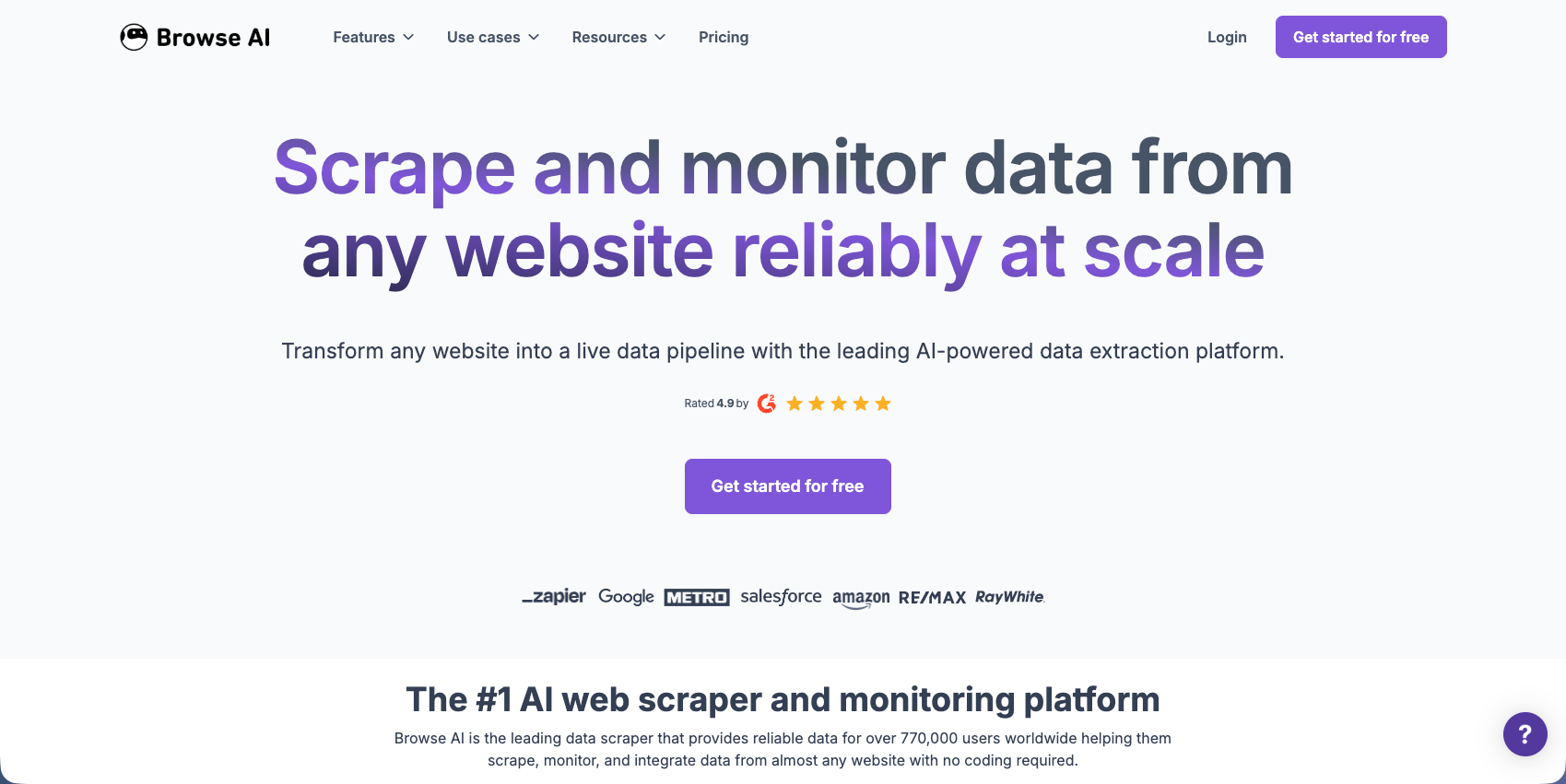
Browse AI is a no-code web scraping tool that extracts and monitors website data without coding. You build "robots" by recording your clicks and selections on a webpage. The tool captures these interactions and replicates them automatically on a schedule you set.
The workflow is simple: go to a site, start recording, and interact with the page. Browse AI converts these actions into a reusable robot that revisits the website and extracts the same data points repeatedly.
The tool targets business users, marketers, and analysts who need to monitor pricing, availability, or collect leads. You can export data as CSV or to Google Sheets. Sites with anti-bot protection or frequently changing layouts can cause robots to fail and need retraining.
Why Consider Browse AI Alternatives?
Browse AI works well for data extraction across thousands of websites, handling JavaScript-heavy pages and dynamic content. For monitoring product listings, competitor pricing, or lead generation at scale, the recording approach is effective. Otherwise, Browse AI has some considerable drawbacks. Pricing starts at $48/month and scales with credits, which adds up quickly once you move beyond simple single-site scraping.
- Browse AI focuses on scraping, not full browser control. You can't fill forms, download invoices, handle complex authentication, or automate procurement workflows. The point-and-click recorder breaks when websites change layouts or require conditional logic. If a vendor portal adds a new field, your robot stops until you retrain it.
- User feedback shows confusion around integrations and requests for more affordable pricing. When scaling beyond simple scraping, you'll need multiple tools: one for extraction, another for form filling, and separate solutions for authentication and file management.
For workflows requiring AI-driven decisions, resistance to layout changes, or actions beyond data extraction, you'll need alternatives built for full browser automation.
Skyvern (Best Overall Alternative)
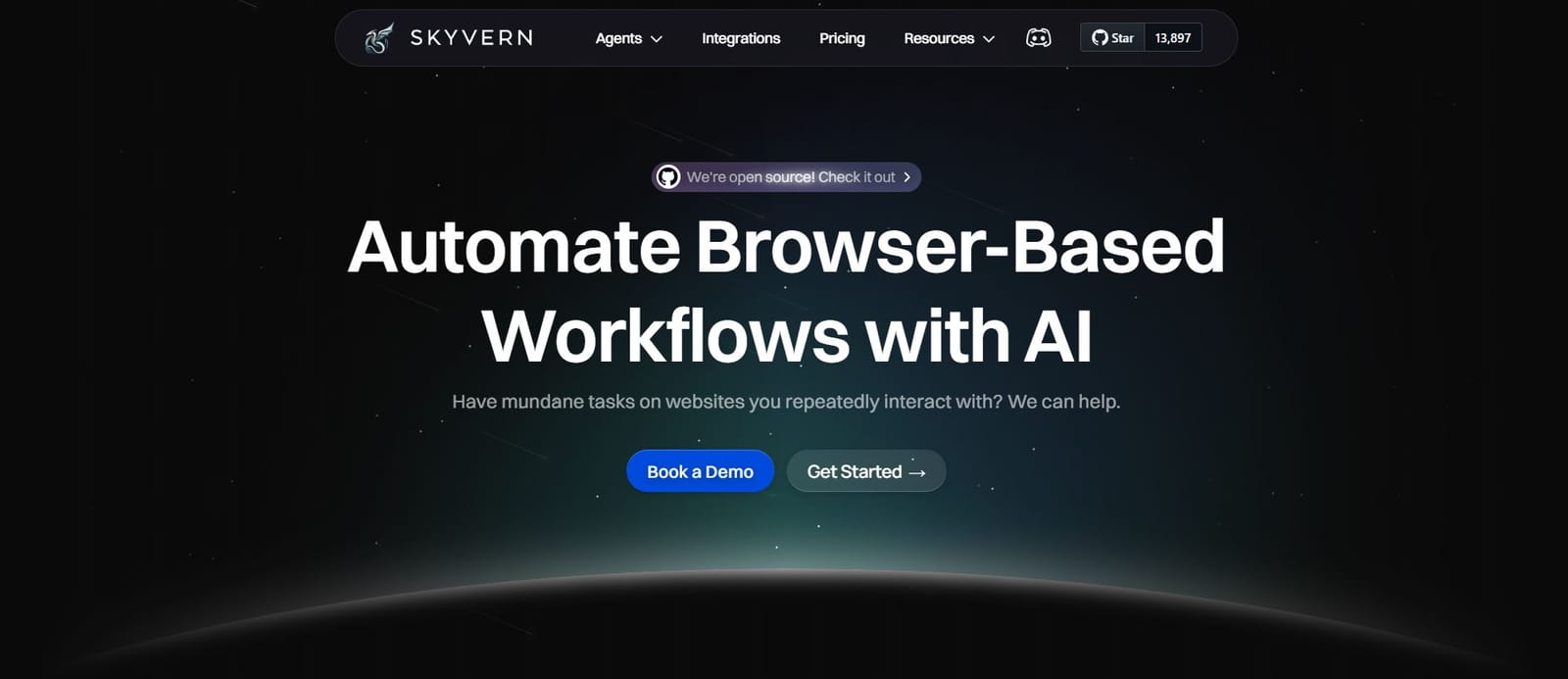
Skyvern is an Agentic Process Automation platform. The browser execution layer (computer vision, visual page reading, self-healing) is how it operates portals that have no API. The platform layer is what makes it production-grade: credential management, approval gates, audit trails, and exception escalation. Unlike point-and-click web scrapers, Skyvern interprets web pages visually, letting a single workflow run across different sites and automatically adapt when layouts change. Best suited for teams automating complex workflows across multiple unfamiliar websites, procurement tasks, or invoice processing where traditional selectors break with website updates.
Key Features
- Visual interpretation using computer vision adapts automatically to website layout changes without retraining
- Single workflow runs across multiple websites with different designs and structures
- Native form filling with authentication support including 2FA and CAPTCHA handling
- Data extraction with structured schemas and automatic file downloading to cloud storage
- Government website automation across startup formation portals, state utility management systems, healthcare credentialing verification boards, state tax filing portals, and regulatory monitoring platforms: the strongest use case segment across all customer types
- Healthcare workflows that identify dual primary and secondary insurance from therapy notes, removing manual lookup across payer portals
- Pharmacy invoice downloads from wholesaler portals (McKesson, Cardinal Health, AmerisourceBergen) and PBM portals (Express Scripts, CVS Caremark, OptumRx), plus DIR fee tracking and reimbursement reconciliation
- Proxy network support with geographic targeting for accessing region-specific content
- Multi-workspace model lets consulting firms, MSPs, and agencies manage separate client implementations with isolated data-privacy boundaries in a single platform
- Role-based access control and approval gates restrict workflow execution permissions and require explicit approval before sensitive automations run
Limitations
- API-based approach requires some technical integration instead of pure no-code interface
- Pricing structure may be higher than simple scraping tools for basic use cases
- Requires initial workflow setup and configuration before automation runs
- Learning curve for teams unfamiliar with API-driven automation platforms
- May be overkill for simple single-site scraping tasks that don't require adaptability
Bottom Line
Skyvern works best for teams automating complex workflows across multiple unfamiliar websites where layout changes are frequent and traditional selectors fail. The strongest use case segment is government website automation (startup formation filings, state utility management, healthcare credentialing verification, state tax submissions, and regulatory monitoring), where portals change without warning and there is no API to fall back on. Healthcare operations teams benefit from workflows that pull dual primary and secondary insurance identification directly from therapy notes, eliminating manual payer portal lookups, though human review still matters before acting on coverage determinations. Pharmacy teams running invoice downloads across wholesaler portals (McKesson, Cardinal Health, AmerisourceBergen) and PBM portals (Express Scripts, CVS Caremark, OptumRx), including DIR fee tracking and reimbursement reconciliation, will find the self-healing, credential-aware model considerably more durable than scripts that break on every portal update. Procurement and finance teams handling invoice downloading or form filling across dozens of vendor portals will also benefit most, especially those tired of maintaining brittle automation that breaks with every website update.
Stagehand
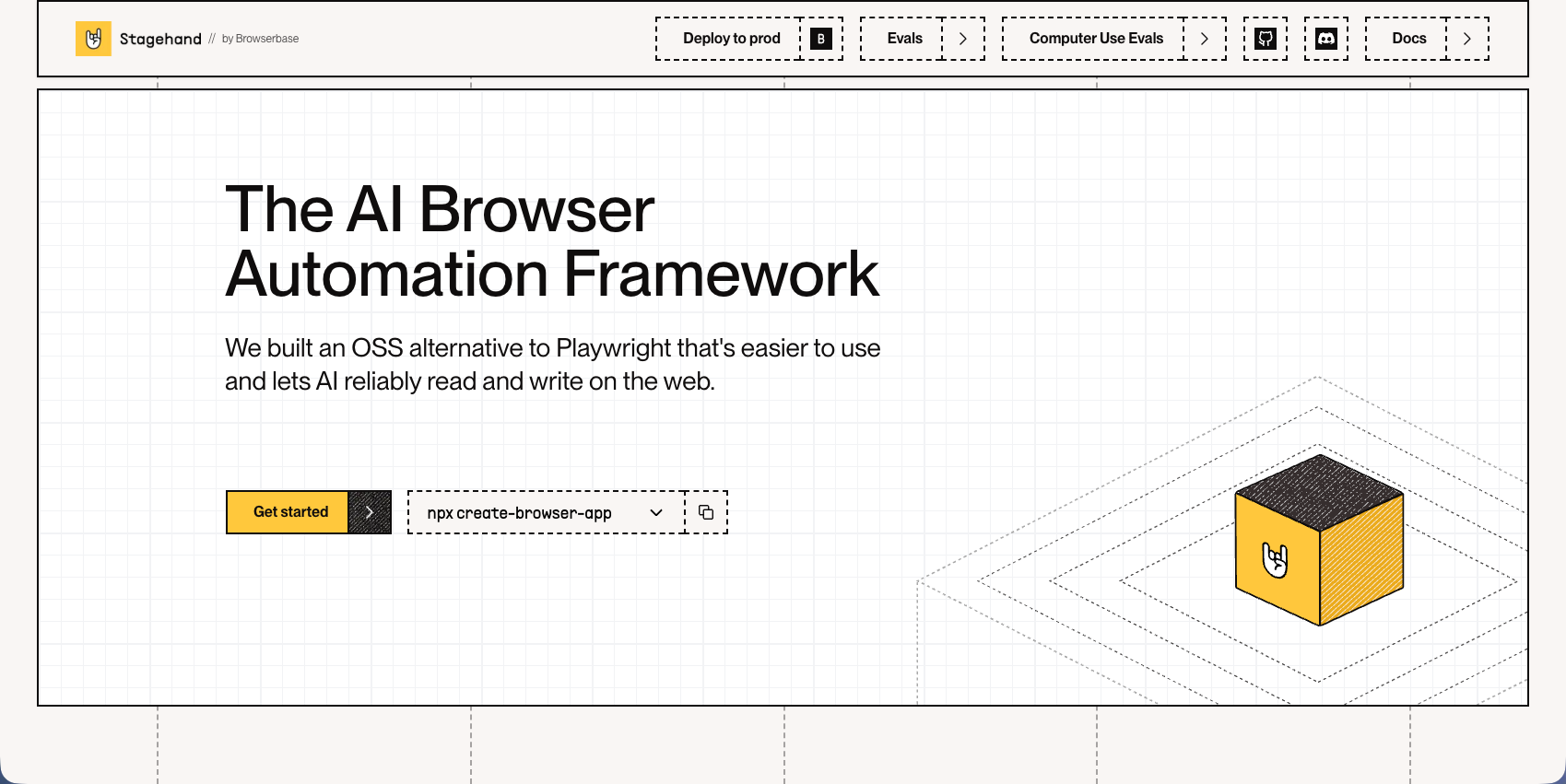
Stagehand is a browser automation framework that lets developers control web browsers using natural language commands and code. Built on Playwright, it reduces maintenance overhead by automatically caching actions and self-healing when websites change. The framework supports multiple programming languages including JavaScript, Python, Ruby, and PHP.
Key Features
- Natural language commands translate user intent into browser actions without writing complex selectors
- Auto-caching with self-healing remembers previous actions and adapts when page elements move
- Built on Playwright foundation provides reliable cross-browser automation capabilities
- Multiple language SDKs provide for developers to use their preferred programming language
- Structured output support works with advanced LLM models for consistent automation results
Limitations
- Requires technical setup including LLM provider API keys and development environment configuration
- Works best with models supporting structured output, limiting compatibility with local models like Ollama
- Developers still need to write and maintain code instead of using a no-code interface
- Framework requires understanding of browser automation concepts and Playwright architecture
- No managed infrastructure means teams handle their own scaling and deployment requirements
Bottom Line
Stagehand works best for developers building automation scripts who want to reduce the time spent maintaining brittle CSS selectors and XPath expressions. Engineering teams with coding expertise who need flexible browser automation across multiple projects will benefit most, especially those already familiar with Playwright who want to add natural language capabilities without managing complex selector logic.
Hyperbrowser AI
Hyperbrowser AI provides scalable browser infrastructure with built-in CAPTCHA solving, proxy management, and anti-bot detection for AI agents. The platform offers instant scalability to hundreds of concurrent sessions with stealth mode features and anti-detection capabilities. It includes the HyperAgent framework for AI automation and MCP client for tool integration.
Key Features
- Instant scalability to hundreds of concurrent browser sessions without managing infrastructure
- Built-in CAPTCHA solving and anti-bot detection with stealth mode capabilities
- HyperAgent framework provides AI-powered automation tools and workflows
- Managed proxy networks with geographic targeting and rotation options
- MCP client integration provides for connection with various automation tools
Limitations
- Credit-based pricing requires careful usage estimation and monitoring costs
- You still need to build automation logic yourself instead of getting complete workflows
- No visual interpretation means workflows can break when websites change layouts
- Limited documentation for complex use cases and advanced configurations
- Teams must handle their own automation development and maintenance overhead
Bottom Line
Hyperbrowser AI works best for teams running high-volume browser automation at scale who need reliable infrastructure without managing servers. Engineering teams with existing automation codebases who want to focus on business logic instead of infrastructure management will benefit most, especially those requiring hundreds of concurrent sessions with built-in anti-detection features.
Airtop
Airtop lets developers create scalable web automations where AI agents perform actions like logging in, extracting information, and filling forms through natural language commands. The platform provides cloud-based browser infrastructure with built-in support for complex authentication flows including OAuth and 2FA. It integrates with popular frameworks like LangChain and LangGraph for building AI agent applications.
Key Features
- Natural language browser control provides for AI agents to interact with websites without custom code
- Complex authentication handling supports OAuth, 2FA, and multi-step login workflows
- Cloud browser automation provides scalable infrastructure for concurrent sessions
- LangChain and LangGraph integrations connect directly with AI agent development frameworks
- Session management with persistent browser states across multiple automation steps
Limitations
- Workflows can fail due to region-locked authentication with US-based proxies
- No live session view in iframes limits real-time debugging capabilities
- Pricing structure can become expensive for high-volume automation workloads
- Limited control over underlying browser configurations and customization options
- Teams still need technical expertise to build and maintain AI agent workflows
Bottom Line
Airtop works best for teams building AI agent applications that need to interact with websites requiring complex authentication flows. Developer teams creating conversational AI or autonomous agents that perform web-based tasks will benefit most, especially those already using LangChain or LangGraph who need reliable infrastructure for authentication-heavy workflows.
Browserbase
Browserbase is a cloud-native browser automation solution built for AI agents providing headless browsers with debugging and stealth capabilities. The platform offers serverless infrastructure that spins up thousands of browsers on demand with built-in anti-bot detection features. It integrates with Playwright for developers who need reliable cloud browser infrastructure without server management overhead.
Key Features
- Serverless infrastructure automatically scales to thousands of concurrent browser sessions on demand
- Built-in debugging tools with session recordings and live session monitoring capabilities
- Anti-bot detection and stealth mode features help bypass common website protection mechanisms
- Native Playwright integration provides for developers to use familiar automation frameworks
- Session persistence allows maintaining browser state across multiple automation steps
Limitations
- Requires technical expertise to write and maintain browser automation code
- No visual interpretation means selectors can break when websites change layouts
- Pricing can become expensive for high-volume automation workloads at scale
- You still need to build the automation logic yourself instead of getting complete workflows
- Limited support for complex authentication flows compared to specialized solutions
Bottom Line
Browserbase works best for developers needing reliable cloud browser infrastructure for AI agents without server management overhead. Engineering teams running high-volume Playwright-based automations who want to focus on business logic instead of infrastructure management will benefit most, especially those requiring thousands of concurrent sessions with built-in anti-detection features.
Feature Comparison: Browse AI vs Top Alternatives
The table below compares core capabilities across Browse AI and the alternatives covered in this article. Each tool takes a different approach to browser automation, from no-code recording to API-driven AI control.
Feature | Browse AI | Skyvern | Stagehand | Hyperbrowser AI | Airtop | Browserbase |
|---|---|---|---|---|---|---|
No-Code Setup | Yes | API-based | No | No | Yes | No |
AI-Powered Automation | Limited | Yes | Limited (it's not inherently AI-powered as a platform but supports you bringing your own API keys) | Limited (you need to build the automation logic) | Yes | No |
Visual Interpretation | No | Yes | No | No | No | No |
Works Across Multiple Sites | No (requires separate robots for each site) | Yes | No | No | Limited | No |
Form Filling | Limited | Native | Yes | Yes | Yes | Yes |
2FA/CAPTCHA Handling | Limited | Yes | Limited | Yes | Yes | Yes |
Self-Healing When Sites Change | Limited | Yes | Yes | No | No | No |
Managed Infrastructure | Yes | Yes | No | Yes | Yes | Yes |
Browse AI works well for no-code scraping but struggles with complex automation. Stagehand and Browser Use require code but reduce selector maintenance. Hyperbrowser AI, Airtop, and Browserbase focus on infrastructure for high-volume operations. Skyvern handles visual interpretation across unfamiliar sites, native form filling, authentication, and self-healing when pages change.
Why Skyvern is the Best Browse AI Alternative
Browse AI requires retraining robots every time a website updates its layout. Skyvern interprets pages visually, so your workflows keep running when sites redesign. You write one workflow that works across dozens of vendor portals, not dozens of separate robots.
The architectural difference goes deeper than visual interpretation. Skyvern is transitioning to a code-first workflow architecture where automations are constructed as executable Python code blocks instead of prompt-based task chains. That shift matters: Python-defined workflows execute faster, consume considerably fewer LLM tokens per run, and are easier to version-control and audit, while still maintaining the visual abstraction that lets the agent adapt to layout changes without selector maintenance. Browse AI's point-and-click recorder produces none of this. It records a fixed interaction path and replays it; there is no underlying code to inspect, optimize, or reuse across sites. That is the distance between a recording tool and an Agentic Process Automation platform: one replays a fixed path, the other manages credentials, handles exceptions, delivers structured output, and leaves a full audit trail across every portal in your stack.
Infrastructure tools like Browserbase and Hyperbrowser give you browsers and proxies, but you still need to build the automation logic. Skyvern handles the entire workflow: authentication, form filling, data extraction, and file downloading through a single API call.
Government websites sit at the extreme end of this problem. State startup formation portals, utility management systems, healthcare credentialing verification boards, tax filing platforms, and regulatory monitoring sites all run on layouts that change on their own schedule, require authenticated sessions, and have no API alternative. Across every customer segment Skyvern serves, government site automation has become the strongest use case: not because it is simple, but because it is the workflow most resistant to every other automation approach.
Healthcare teams face a parallel version of this across payer portals. Workflows now handle dual primary and secondary insurance identification pulled directly from therapy notes, removing the manual lookup that typically requires logging into multiple payer systems to cross-reference coverage. Pharmacy operations run a similar gauntlet: invoice downloads from wholesaler portals (McKesson, Cardinal Health, AmerisourceBergen) and PBM portals (Express Scripts, CVS Caremark, OptumRx) plus DIR fee tracking and reimbursement reconciliation, all running on portals with different layouts, different authentication flows, and no tolerance for scripts that break on quarterly redesigns.
When you're automating procurement across 50 supplier websites or downloading invoices from vendor portals with different layouts each month, you need automation that doesn't require constant maintenance. We built Skyvern to handle the complexity so you don't spend time fixing broken selectors or retraining robots.
Final Thoughts on Browse AI Compared to Other Options
Your automation shouldn't fail every time a vendor portal redesigns their site. Tools like Skyvern interpret pages visually so workflows adapt to layout changes without retraining robots or fixing selectors. You get authentication, form filling, and data extraction in one call instead of connecting multiple services. Choose automation built for complex workflows across unfamiliar websites instead of simple point-and-click recording.
FAQ
When should you consider moving away from Browse AI?
Consider alternatives when you need to automate actions beyond data extraction, like form filling, invoice downloading, or procurement workflows. Browse AI works well for scraping and monitoring, but breaks when websites change layouts or when you need conditional logic and complex authentication.
What features should you focus on first when comparing Browse AI alternatives?
Look for visual interpretation that adapts to layout changes, native form filling, authentication handling (2FA and CAPTCHA), and the ability to run one workflow across multiple websites. If you're automating complex workflows, focus first on tools that won't require constant maintenance when sites redesign.
How does Skyvern handle website layout changes differently than Browse AI?
Skyvern interprets pages visually using computer vision and LLMs instead of recording click patterns. When a website redesigns, your workflows continue running without retraining, and one workflow can work across dozens of different vendor portals with varying layouts.
Can I use Browse AI alternatives for both data extraction and form filling?
Yes. Tools like Skyvern, Stagehand, and Airtop handle both data extraction and form filling through the same automation workflow. Browse AI focuses only on scraping, so you'd need separate tools for actions like submitting forms or downloading files.
What's the difference between infrastructure tools and complete automation solutions?
Infrastructure tools like Browserbase and Hyperbrowser provide browsers, proxies, and anti-bot detection, but you build the automation logic yourself. Complete solutions like Skyvern handle authentication, form filling, data extraction, and file downloading through a single API call without additional coding.
Keep reading
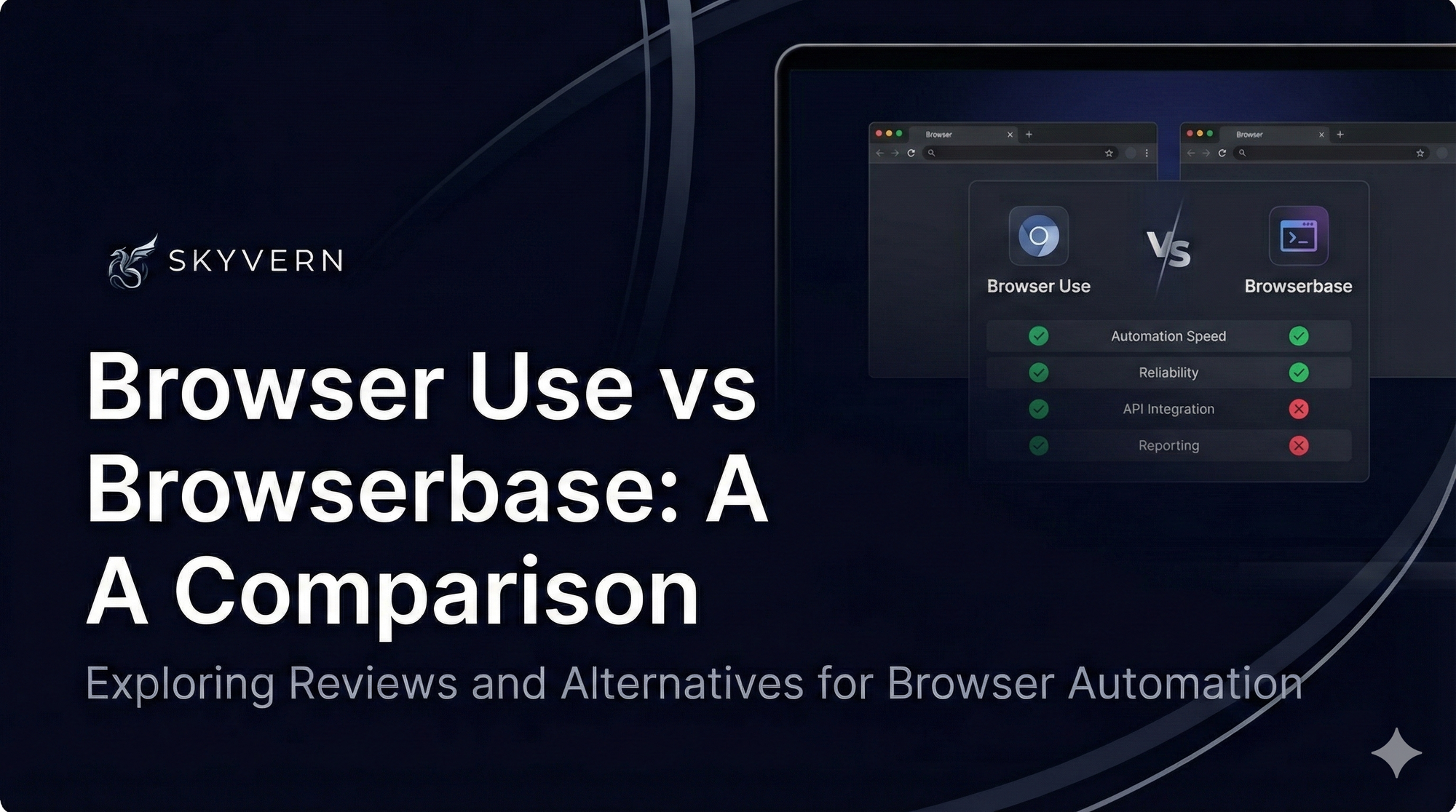
Browser Use vs Browserbase: my honest comparison
Browserbase and Browser Use can both automate work in a browser, from collecting product data to filling out forms. Choosing between them comes down to what you want to build: a task you hand to an AI agent, a custom agent inside your application, or browser infrastructure for scripts you already run. I’m Skyvern’s co-founder and CEO by the way. We build a competing product, so I have a stake in this comparison. But I promise I won't promote our product (even though it's a great alternative to
6 Stagehand alternatives for browser automation in 2026
If you're looking for Stagehand alternatives, you probably want an AI browser agent that: * Works natively with Python scripts. * Can navigate and scrape complex websites efficiently. * Stays reliable as your workload grows from a few runs to thousands of browser jobs. That's the kind of workflow I built Skyvern for (Skyvern CEO here). I know, I know, Skyvern CEO's recommending Skyvern as a good alternative. Please just stay with me for a second here. Yes, Skyvern is a good Stagehand alt
Browser Use vs Stagehand: Which One Should You Pick?
Browser Use and Stagehand both let you use AI to automate browser tasks, such as collecting product data or filling out forms. When you’re deciding which to build with, their feature lists only tell you so much. You want to know how much code you’ll need to write, whether the automation completes your task correctly, and what repeated runs will cost. I'll be upfront: we build Skyvern, a competitor to both, but this blog post won't shill our product (you can try it here though). I’m keeping thi
Put the browser to work
Use Skyvern for the work that lives in a browser.
Turn repetitive browser tasks into reliable workflows with Skyvern.