Axiom Reviews, Pricing, and Alternatives (Updated July 2026)

Axiom breaks the moment a website redesigns its checkout flow, renames a button, or shifts a menu. You rebuild the selector, test it, and ship again. Three weeks later, the same thing happens. If you're watching costs push past $300 monthly while half your time goes to patching broken workflows instead of building new ones, it's worth knowing what else is available. This guide covers the alternatives to Axiom that tackle layout changes without rebuilding, what they cost, and what tradeoffs you're actually making with each one.
TLDR:
- Axiom works for basic no-code automation but costs $300-500 monthly at scale with Chrome-only support
- Axiom requires rebuilding workflows when websites change layouts or switching between sites
- Skyvern uses a hybrid AI-RPA model: computer vision for self-healing plus compiled Playwright code for speed, delivering up to 70-80% cost reduction at scale
- Skyvern supports TOTP, email OTP, and text message 2FA via virtual number forwarding; SMS to a personal/native phone number tied to a specific account (Availity, Medicare, Medicaid portals) remains unsupported; CAPTCHA solving and cross-browser support included
- Skyvern Cloud offers a free tier (5,000 credits/month), Hobby ($29/month, 30K credits), Pro ($149/month, 150K credits), and Enterprise (custom); Skyvern Open Source is available for self-hosting
What is Axiom and How Does it Work?
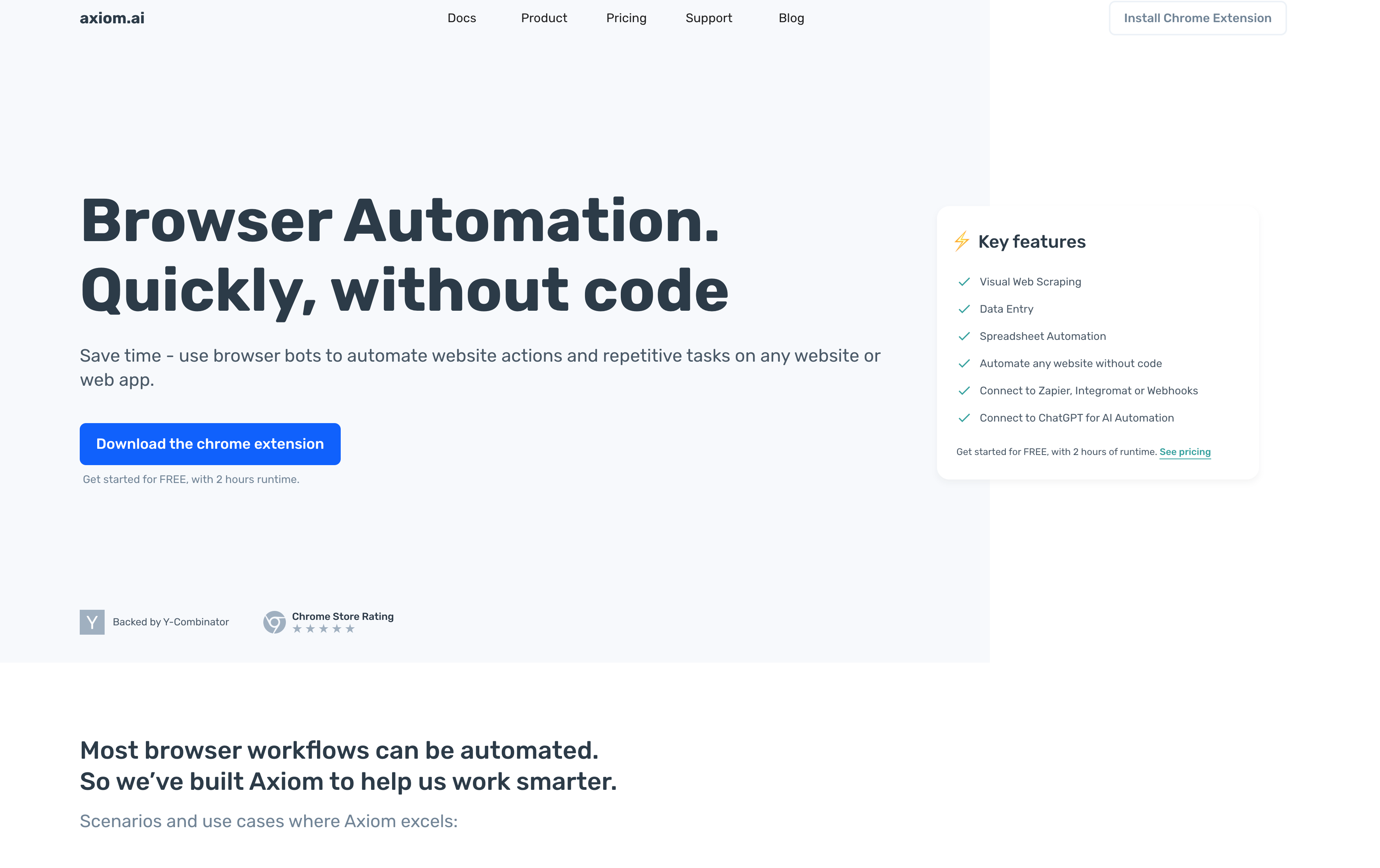
Axiom is a no-code browser automation tool that lets you automate repetitive web tasks by recording your clicks and actions directly in your browser. Backed by Y Combinator, Axiom works as a Chrome extension that turns manual workflows into automated bots without writing code.
You install the Chrome extension, click record, and perform the actions you want to automate. Axiom captures these steps and converts them into a reusable workflow you can run on demand or schedule automatically. The visual builder uses a point-and-click approach where you can see each step, adjust selectors, add conditional logic, and chain multiple actions together.
Axiom handles web scraping, data entry, form filling, and repetitive browsing tasks. You can extract data from websites into structured formats, populate web forms with information from spreadsheets, or monitor sites for changes. Axiom integrates with tools like Zapier and Google Sheets, letting you connect browser automations to broader workflows.
The tool targets marketers, business owners, and operations teams who spend hours on repetitive browser tasks but lack developer resources.
Why Consider Axiom Alternatives?
Axiom works well for teams needing simple, no-code browser automation through its Chrome extension interface. The visual recorder handles basic web scraping and data entry without requiring developer resources. Teams start looking at alternatives, though, for three consistent reasons:
- The run-based pricing becomes expensive at scale, with companies processing thousands of records daily often seeing costs exceeding $300-500 monthly. Chrome-only support creates problems for teams using Firefox, Safari, or Edge. The cloud-based architecture requires constant internet connectivity, stopping automations during network outages.
- Performance issues surface with memory-intensive operations. Axiom can struggle handling hundreds of browser instances simultaneously, requiring additional infrastructure for enterprise users. Websites with heavy JavaScript, CAPTCHA protection, or frequently changing elements cause automation failures needing constant workflow adjustments.
- The biggest gap is AI-powered decision-making. Axiom relies on pre-recorded steps and basic conditional logic. When workflows require complex reasoning, like determining product equivalents across different supplier websites or inferring eligibility from varying question formats, Axiom falls short. Teams needing adaptive automations that handle unexpected scenarios look for AI-driven alternatives that interpret context and make decisions on the fly.
Let's take a look at the alternatives.
Skyvern (Best Overall Alternative)
Skyvern automates browser workflows using computer vision and LLM reasoning. Where a CSS selector breaks the moment a portal renames a button, Skyvern re-reads the live page visually at runtime, so the workflow keeps running through the change without any code edits. The platform uses a hybrid AI-RPA architecture: the first run executes in agent mode and compiles a successful path into deterministic Playwright code. Subsequent runs replay that compiled code without an LLM in the loop, cutting token consumption by up to approximately 90% on compiled paths. When a site changes and the compiled code cannot handle the updated layout, the system falls back to AI reasoning, re-learns the updated path, and self-updates the code. Code mode can deliver 70-80% cost reduction compared to full AI-driven execution at scale, though this performance holds most consistently on straightforward workflows. Skyvern is an Agentic Process Automation (APA) platform: browser execution is the mechanism that reaches portals with no API, and the platform layer handles the autonomous multi-step operation, credential management, and exception escalation that make it production-grade.
A single API endpoint works across any website without custom code per site, and one workflow definition runs across hundreds of vendor portals without modification. Built-in 2FA covers TOTP authenticator apps, email-based OTP via forwarding integration, and text message 2FA via virtual phone number forwarding (Twilio/Plivo). SMS to a personal or native phone number tied to a specific account remains unsupported, a confirmed blocking limitation for portals like Availity, UnitedHealthcare, Medicare enrollment systems, and state Medicaid platforms that require account-bound SMS verification. Teams automating those portals need to confirm an alternative authentication method is available before production deployment. Native Bitwarden integration (Enterprise tier) and 1Password (Pro tier) let teams reference credentials stored in their existing setup without manual entry. MCP is available to all Skyvern customers by default regardless of plan tier, and approximately 90% of customer workflows are now initiated through MCP or API.
Proxy infrastructure covers both residential and ISP (Internet Service Provider) proxies with geographic targeting down to country, state, city, and ZIP level. Customers can migrate traffic between proxy types per organization. SOC 2 compliance certification covers enterprise buyers in compliance-sensitive environments and publicly traded companies. Managed cloud pricing runs across four tiers: Free (5,000 credits/month, $0), Hobby ($29/month, 30,000 credits), Pro ($149/month, 150,000 credits), and Enterprise (custom pricing). The open-source version is available for self-hosting.
Workflow duplication lets teams test changes without affecting production runs. Cloning workflows is the current approach for maintaining separate versions; visual version history in the UI is not yet available. For government and healthcare portals with aggressive session timeouts, workflows can include save-draft blocks positioned between steps to persist partial progress. When a portal logs out after inactivity, the workflow picks back up instead of restarting from scratch.
Best for teams automating workflows across multiple vendor portals, procurement processes, invoice downloading, and form filling where websites frequently change layouts. Computer vision reads each page at runtime instead of relying on stored selectors, so Skyvern works across any site with a single workflow definition and removes the need to rebuild automations when layouts change. The built-in stack covers CAPTCHA handling, SOC 2 compliance, and proxy infrastructure that Axiom requires external tools to match.
Code Example: Automating Invoice Downloads Across Vendor Portals
Here is what triggering a vendor portal workflow through Skyvern looks like using the Python SDK. The first run executes in agent mode: Skyvern reads the live page visually, completes the workflow, and compiles a successful path into deterministic Playwright code. Every run after that replays that compiled code without touching an LLM, cutting token costs by up to 90% on that path.
from skyvern import Skyvern
import asyncio

skyvern = Skyvern(api_key="YOUR_API_KEY")

async def download_vendor_invoice(vendor_url: str, credential_id: str) -> dict:
    """
    First run: agent mode — Skyvern reads the page visually,
    navigates the portal, and compiles a reusable Playwright script.

    Subsequent runs: code mode — the compiled script runs without
    an LLM in the loop, delivering 70-80% cost reduction at scale.
    """

    # First run: use agent mode to learn the portal layout
    # Skyvern compiles this into reusable Playwright code automatically
    result = await skyvern.run_task(
        url=vendor_url,
        prompt=(
            "Log into the vendor portal using the stored credentials. "
            "Navigate to the invoices section and download the most recent invoice. "
            "COMPLETE when the invoice file has been downloaded successfully. "
            "TERMINATE if the invoices section is not accessible."
        ),
        credential_id=credential_id,   # Credentials stored in encrypted vault, never sent to LLM
        run_with="agent",              # Agent mode: reads page visually, compiles path on success
        wait_for_completion=True,
        webhook_url="https://your-app.com/webhooks/skyvern",  # Notified when run finishes
        max_steps=20,
    )

    return {
        "status": result.status,
        "downloaded_files": result.downloaded_files,
        "run_id": result.run_id,
    }

async def replay_vendor_invoice(vendor_url: str, credential_id: str) -> dict:
    """
    Subsequent runs: code mode replays the compiled Playwright script.
    No LLM in the loop — faster execution, lower cost.
    If the portal changes its layout, Skyvern automatically falls back
    to agent mode, re-learns the path, and updates the compiled code.
    """

    result = await skyvern.run_task(
        url=vendor_url,
        prompt=(
            "Log into the vendor portal using the stored credentials. "
            "Navigate to the invoices section and download the most recent invoice. "
            "COMPLETE when the invoice file has been downloaded successfully."
        ),
        credential_id=credential_id,
        run_with="code",               # Replay mode: compiled Playwright code, no LLM needed
        wait_for_completion=True,
        webhook_url="https://your-app.com/webhooks/skyvern",
    )

    return {
        "status": result.status,
        "downloaded_files": result.downloaded_files,
        "run_id": result.run_id,
    }

async def main():
    vendor_url = "https://vendor-portal.example.com"
    credential_id = "cred_your_credential_id"  # Set up once in app.skyvern.com/credentials

    # Run once in agent mode to compile the workflow
    print("Running agent mode (first run — compiling path)...")
    first_run = await download_vendor_invoice(vendor_url, credential_id)
    print(f"First run status: {first_run['status']}")
    print(f"Downloaded: {first_run['downloaded_files']}")

    # All subsequent runs use compiled code — no LLM, lower cost
    print("\nRunning code mode (replay — no LLM in loop)...")
    replay_run = await replay_vendor_invoice(vendor_url, credential_id)
    print(f"Replay run status: {replay_run['status']}")
    print(f"Downloaded: {replay_run['downloaded_files']}")

asyncio.run(main())
No XPaths, no CSS selectors, no per-site configuration. The same prompt structure works across any vendor portal (Hartford, Travelers, Progressive, or a government procurement system). When a portal updates its layout, run_with="code" detects the change, falls back to agent mode automatically, re-learns the updated path, and refreshes the compiled code for all future runs.
Stagehand
Stagehand is an open-source browser automation framework built on Playwright that combines AI-powered natural language commands with traditional code-based control. Developed by Browserbase, it allows developers to automate browser workflows using simple English instructions while maintaining the flexibility of programmatic automation. The framework includes auto-caching with self-healing capabilities and supports act, extract, and observe APIs for different automation needs.
Key Features
- Natural language commands let developers automate browser actions without writing complex Playwright code
- Self-healing capabilities automatically recover from minor website changes through AI-powered adaptations
- Built on Playwright for reliable cross-browser support and automation fundamentals
- Act, extract, and observe APIs provide flexible approaches for different automation scenarios
- Auto-caching reduces API calls and improves performance for repeated operations
Limitations
- Requires developers to write and maintain code, making it inaccessible for non-technical teams
- Each website still needs custom scripts that can break when sites undergo major redesigns
- Local models like Ollama are not recommended, requiring paid API access for full functionality
- Self-managed infrastructure means teams handle their own hosting, scaling, and maintenance
- Limited to models supporting structured output, restricting flexibility in AI provider choices
Bottom Line
Stagehand works best for development teams who want to combine Playwright's automation power with AI-driven natural language commands for more intuitive scripting. Technical teams comfortable with code who need reliable browser automation with some AI assistance will benefit most, though those seeking truly adaptive, cross-site automation without per-site configuration should consider alternatives like Skyvern that use computer vision to work across any website without custom code.
Hyperbrowser AI shifts the focus from natural language commands to managed browser infrastructure, handling anti-detection and scaling so developer teams can concentrate on building agent logic and skip browser setup entirely.
Hyperbrowser AI
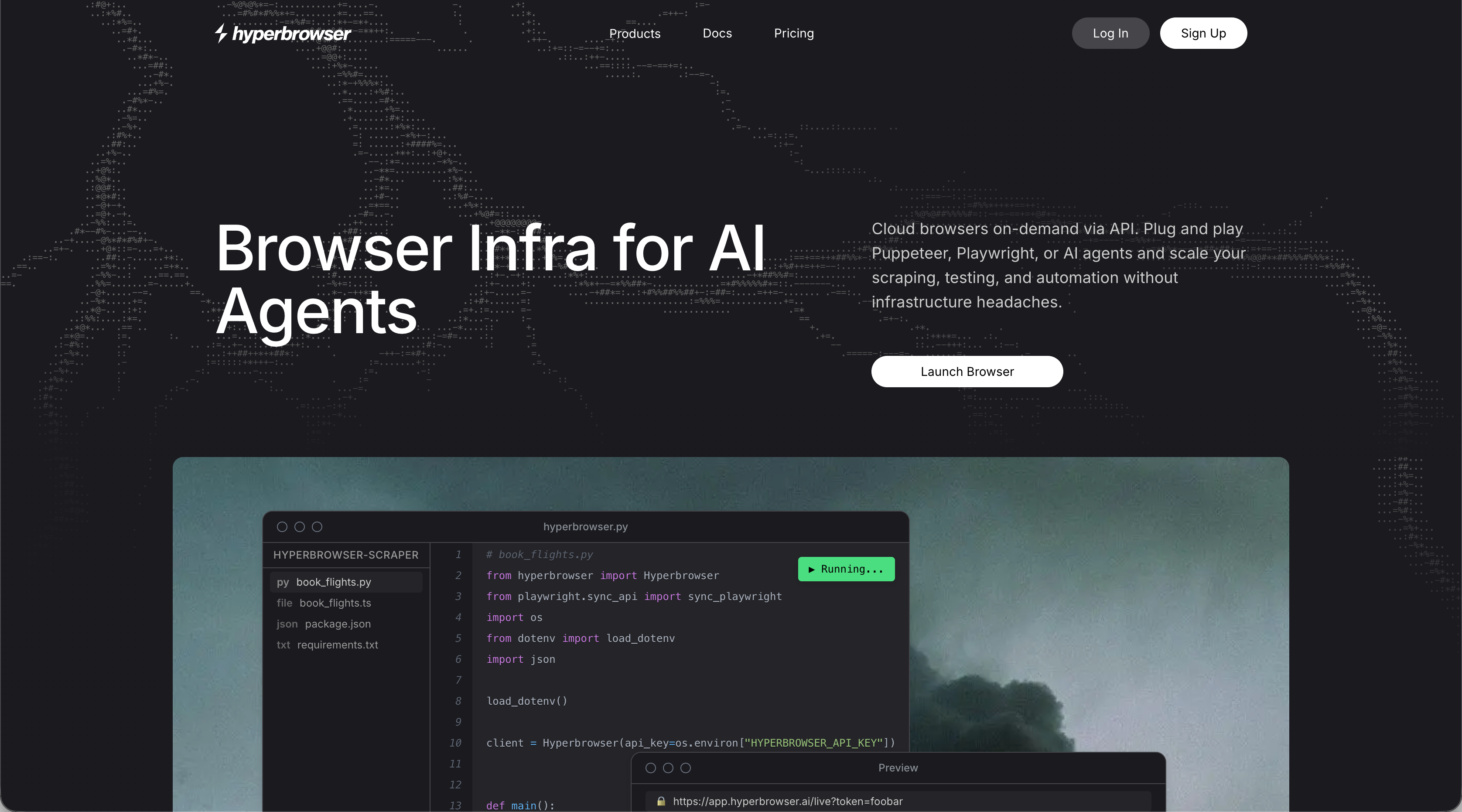
Hyperbrowser AI provides browser infrastructure for AI agents with built-in CAPTCHA solving, proxy management, and anti-bot detection. The platform offers browser-as-a-service with managed infrastructure, stealth mode capabilities, and cloud-based sessions with sub-second start times. It targets developers building AI agents that need reliable browser automation without managing infrastructure complexity.
Key Features
- Managed browser infrastructure eliminates setup and maintenance of headless browser environments
- Built-in CAPTCHA solving and anti-bot detection handle common automation blockers automatically
- Proxy management with geographic targeting routes traffic through different locations
- Sub-second browser session start times provide for fast, scalable automation workflows
- Stealth mode capabilities help automations avoid detection on protected websites
Limitations
- Requires developers to write code on top of Playwright, making it inaccessible for non-technical teams
- Each new website needs custom configuration and scripts that break with layout changes
- Pricing based on browser hours, data transfer, and agent actions can become expensive for high-volume operations
- Limited computer vision capabilities mean automations still rely on selectors that break with website updates
- Teams must handle workflow logic and decision-making on top of the browser infrastructure
Bottom Line
Hyperbrowser AI works best for development teams building AI agents that need managed browser infrastructure without handling server setup and anti-bot detection themselves. Technical teams comfortable writing automation code who want to focus on agent logic instead of browser management will benefit most, though those needing truly adaptive workflows that work across multiple sites without custom code should consider alternatives like Skyvern that use computer vision to eliminate per-site configuration.
Airtop covers similar cloud browser ground but adds natural language commands and LangChain integration for teams already building inside AI agent frameworks.
Airtop
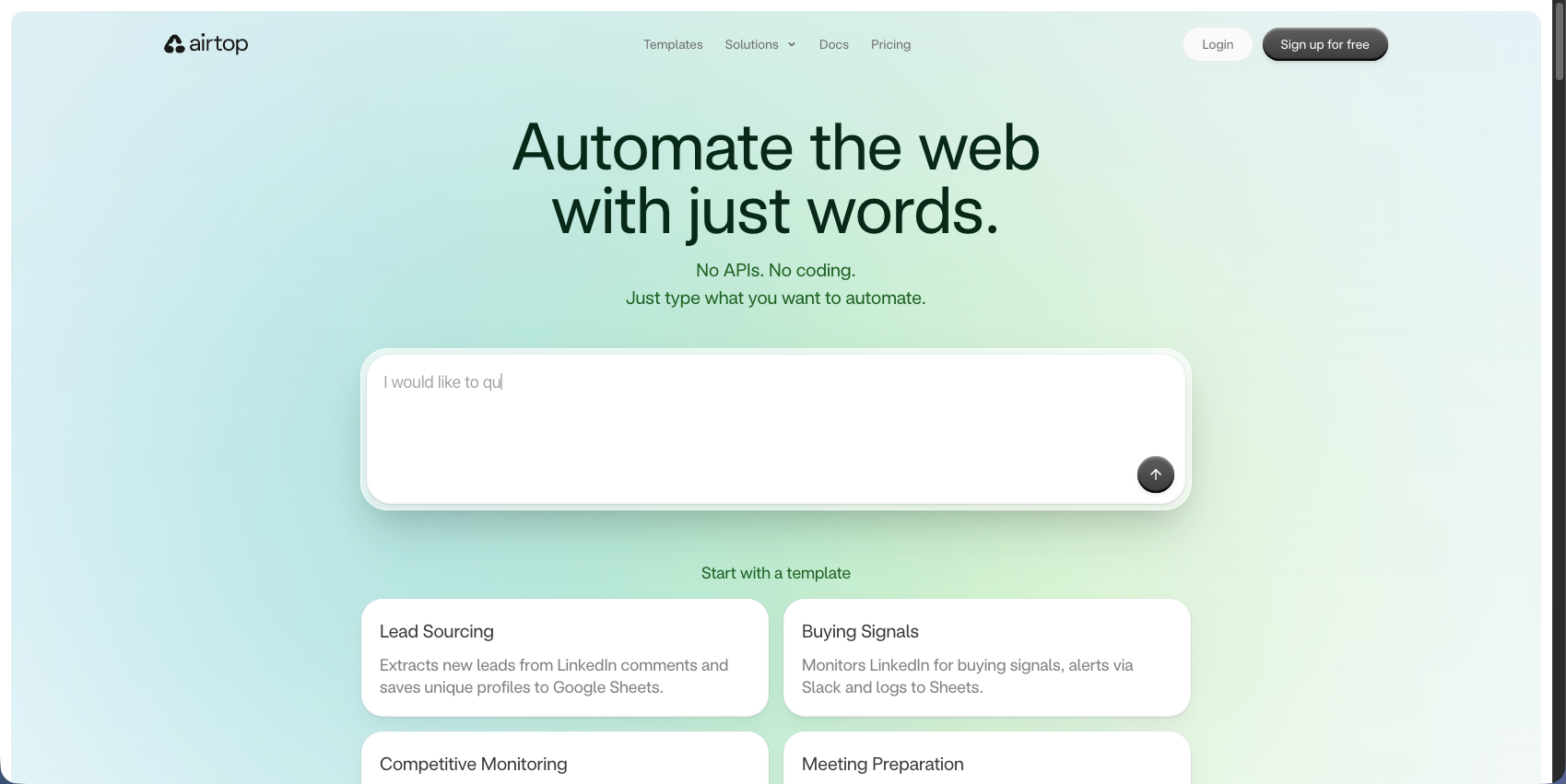
Airtop creates scalable web automations through natural language commands where agents perform actions like logging in, extracting information, and filling forms. The platform provides cloud-based browser automation with LangChain integration and automatic authentication flows. It targets teams building AI-powered web automation needing cloud browsers and natural language interfaces for simple tasks.
Key Features
- Natural language commands provide for browser automation without complex coding requirements
- Cloud-based browser infrastructure removes setup and maintenance of local automation environments
- LangChain integration connects browser automation with broader AI agent workflows
- Automatic authentication flows handle login processes across different websites
- Scalable architecture supports parallel execution of multiple browser sessions
Limitations
- Region-locked authentication causes UK workflows to fail due to US-based proxies
- Lacks native form filling and data extraction capabilities of dedicated automation tools
- Limited computer vision means automations still break when websites change layouts
- Requires understanding of AI agent architectures to build effective automation workflows
- Each website may need custom prompt engineering to achieve reliable automation results
Bottom Line
Airtop works best for development teams building AI agents that need simple browser automation through natural language commands and LangChain integration. Teams comfortable with AI agent frameworks who want quick cloud-based browser access for straightforward tasks will benefit most, though those needing form filling, data extraction, and truly adaptive workflows that handle layout changes should consider alternatives like Skyvern that use computer vision to work across any website without custom configuration.
Browserbase is the most infrastructure-focused option in this group, built for developers who want headless browser control through Playwright, Puppeteer, or Selenium without managing their own servers or anti-bot detection.
Browserbase
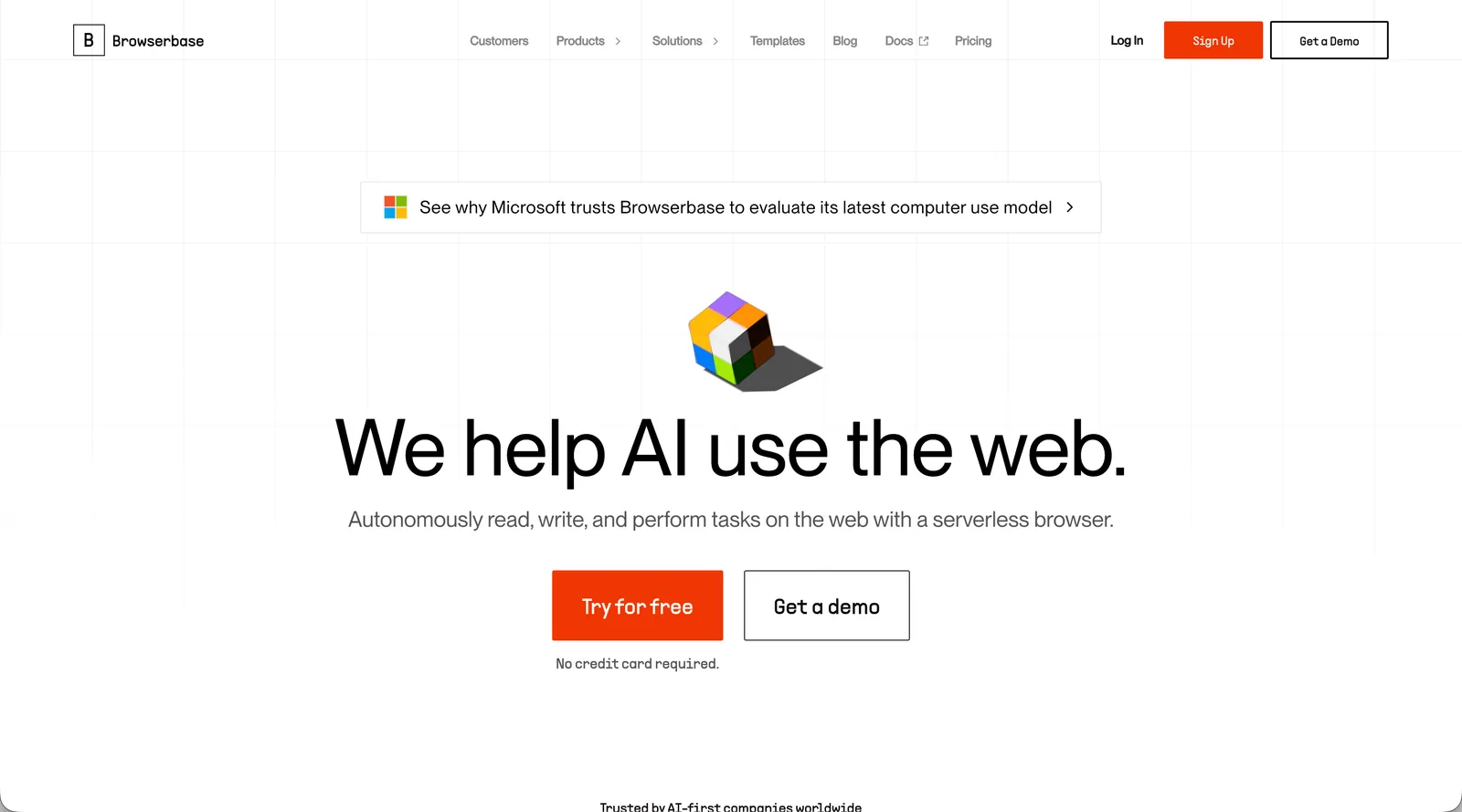
Browserbase provides managed, headless browser infrastructure managed headless browser infrastructure through a simple API integrating with Playwright, Puppeteer, and Selenium. The platform offers serverless browser sessions with automatic scaling, debugging tools, and session recording capabilities. It targets developers who need reliable browser automation infrastructure without managing servers or handling anti-bot detection themselves.
Key Features
- Managed infrastructure eliminates server setup and maintenance for headless browser operations
- Integration with popular automation frameworks like Playwright, Puppeteer, and Selenium
- Automatic scaling handles parallel browser sessions without manual capacity planning
- Session recording and debugging tools simplify troubleshooting automation failures
- Built-in proxy support and stealth mode help bypass basic anti-bot detection mechanisms
Limitations
- Requires developers to write and maintain code for each automation workflow
- Each website needs custom scripts with selectors that break when layouts change
- Limited AI capabilities mean automations lack adaptive decision-making for complex scenarios
- Teams must handle workflow logic, form filling, and data extraction on top of browser infrastructure
- Usage-based pricing for browser sessions and data transfer can become expensive at scale
Bottom Line
Browserbase works best for development teams needing reliable headless browser infrastructure without managing their own servers or scaling challenges. Technical teams comfortable with Playwright, Puppeteer, or Selenium who want to focus on automation logic instead of infrastructure management will benefit most, though those seeking truly adaptive workflows that work across multiple sites without custom code should consider alternatives like Skyvern that use computer vision to eliminate per-site configuration.
How These Capabilities Break Down
If you're weighing these tools against each other, this is where the differences show up in practice. Here's how each one handles the capabilities that matter most for real-world automation work.
Feature | Axiom | Skyvern | Stagehand | Hyperbrowser AI | Airtop | Browserbase |
|---|---|---|---|---|---|---|
No-Code Interface | Yes | API-based | Code required | Code required | Natural language | Code required |
AI-Powered Adaptation | No | Yes | Yes | Partial | Partial | No |
Works Across Multiple Sites Without Custom Code | No | Yes | No | No | No | No |
Built-in CAPTCHA Solving | No | Yes | No | Yes | Yes | No |
Cross-Browser Support | Chrome only | Yes | Chromium | Chromium | Chromium | Yes |
Handles Layout Changes Automatically | No | Yes | Partial | No | Partial | No |
2FA/TOTP Support | No | Yes (TOTP, email OTP, text message via virtual number; account-bound SMS not supported) | No | No | Yes | No |
Axiom's no-code interface makes it accessible but limits adaptability. But when websites change layouts or you need to run the same workflow across different vendor sites, you're rebuilding automations manually.
And Skyvern's computer vision approach handles layout changes and works across multiple sites with a single workflow. Built-in CAPTCHA solving, 2FA support, and cross-browser compatibility remove the infrastructure work teams face with code-based alternatives.
Why Skyvern is the Best Axiom Alternative
Computer vision reads pages visually at runtime instead of relying on CSS selectors, removing the manual maintenance and browser limits that drive up Axiom's costs at scale. A single API workflow runs across any website without rebuilding when layouts change. The hybrid architecture compiles successful runs into deterministic Playwright code, so repeated executions skip the LLM entirely and run faster. That combination is what makes Skyvern an APA platform and more than a browser tool: the visual execution layer reaches portals with no API, and the platform layer adds credential management, audit trails, and exception escalation.
And the complete stack is included: 2FA, CAPTCHA solving, file downloads, and data extraction work out of the box. Start with the open-source version or use the managed cloud for anti-bot detection and parallel execution.
That said, Skyvern is not the right fit for every team. If you're automating a single, stable website that never changes, the full AI-RPA stack goes beyond what you need and a lighter tool may cost less to run. Workflow design still requires human judgment: someone on your team needs to think through branching logic, decide where to place save-draft blocks, and confirm that the goal prompt accurately describes the outcome you want. Teams without that capacity should plan for an onboarding period before production workflows run reliably.
Final Thoughts on Finding Better Automation Solutions
At the end of the day, most teams outgrow Axiom when they need automations that work across multiple vendor sites or handle layout changes without breaking. Skyvern removes that maintenance burden with computer vision that interprets pages visually instead of relying on CSS selectors. You can start with the open-source version or use the managed cloud for built-in anti-bot detection and parallel execution across any browser.
FAQ
When should you consider moving away from Axiom?
Look for alternatives if you're automating workflows across multiple websites with different layouts, spending over $300 monthly on run-based pricing, or constantly rebuilding automations when sites change. Teams needing Firefox, Safari, or Edge support or handling memory-intensive operations with hundreds of browser instances should also consider other options.
What features should you look for first when comparing Axiom alternatives?
Focus on AI-powered adaptation to handle layout changes automatically, cross-browser support beyond Chrome, built-in authentication features like 2FA and CAPTCHA solving, and the ability to run a single workflow across multiple websites without custom code for each site.
Can browser automation tools work across different websites without custom coding?
Most tools like Axiom require separate configurations for each website. Skyvern uses computer vision to interpret page structure visually, letting a single workflow definition work across hundreds of websites without site-specific code or adjustments when layouts change.
How do AI-powered automation tools differ from traditional recorders like Axiom?
Traditional recorders like Axiom capture pre-defined steps using selectors that break when websites change. AI-powered tools interpret page context, make decisions based on what they see, and adapt to unexpected scenarios like varying form fields or product equivalents across different vendor sites.
What makes automation expensive at scale with run-based pricing?
Run-based pricing charges per execution, so companies processing thousands of daily automations quickly hit $300-500 monthly costs. API-based or infrastructure pricing models become more cost-effective for high-volume operations running hundreds of automated workflows daily.
Keep reading
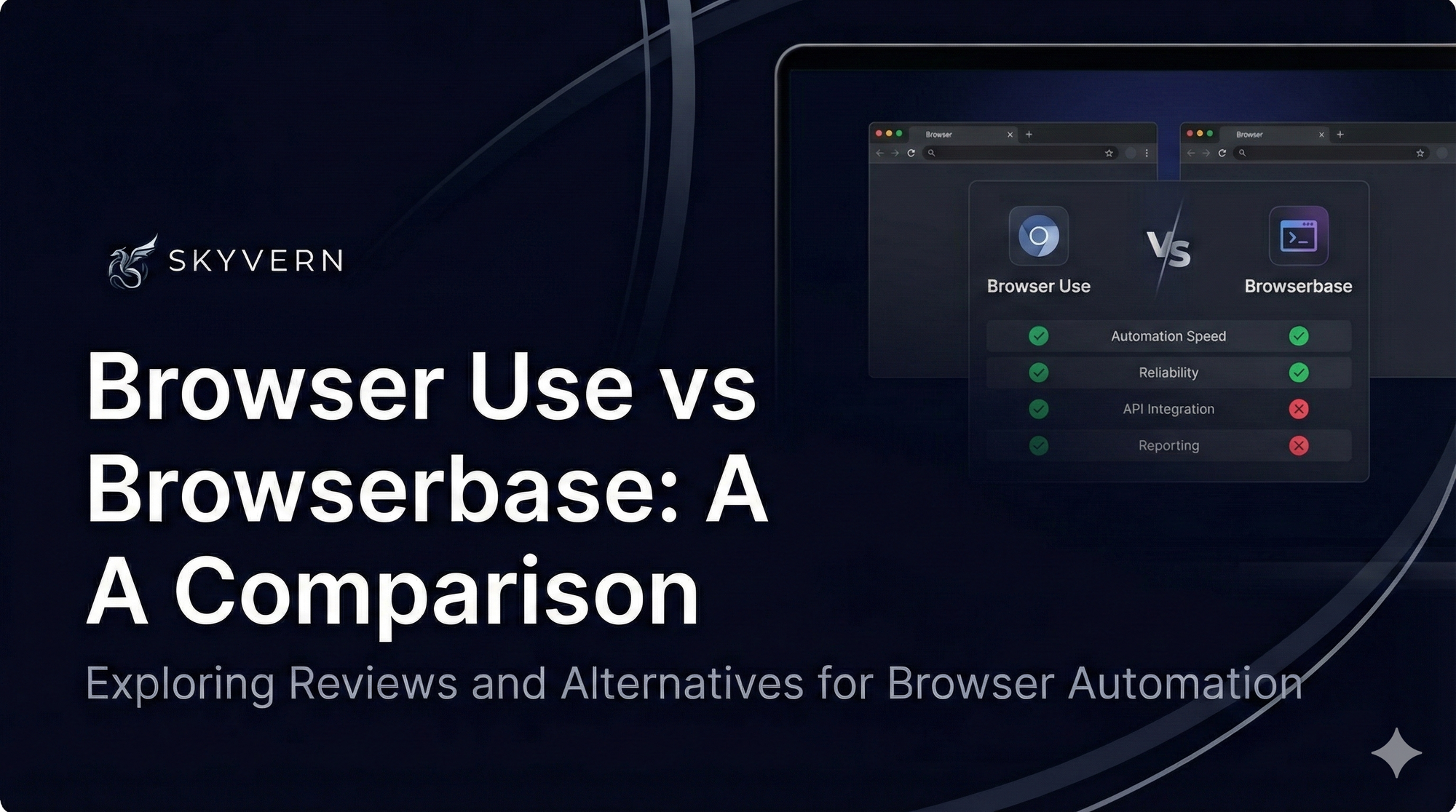
Browser Use vs Browserbase: my honest comparison
Browserbase and Browser Use can both automate work in a browser, from collecting product data to filling out forms. Choosing between them comes down to what you want to build: a task you hand to an AI agent, a custom agent inside your application, or browser infrastructure for scripts you already run. I’m Skyvern’s co-founder and CEO by the way. We build a competing product, so I have a stake in this comparison. But I promise I won't promote our product (even though it's a great alternative to
6 Stagehand alternatives for browser automation in 2026
If you're looking for Stagehand alternatives, you probably want an AI browser agent that: * Works natively with Python scripts. * Can navigate and scrape complex websites efficiently. * Stays reliable as your workload grows from a few runs to thousands of browser jobs. That's the kind of workflow I built Skyvern for (Skyvern CEO here). I know, I know, Skyvern CEO's recommending Skyvern as a good alternative. Please just stay with me for a second here. Yes, Skyvern is a good Stagehand alt
Browser Use vs Stagehand: Which One Should You Pick?
Browser Use and Stagehand both let you use AI to automate browser tasks, such as collecting product data or filling out forms. When you’re deciding which to build with, their feature lists only tell you so much. You want to know how much code you’ll need to write, whether the automation completes your task correctly, and what repeated runs will cost. I'll be upfront: we build Skyvern, a competitor to both, but this blog post won't shill our product (you can try it here though). I’m keeping thi
Put the browser to work
Use Skyvern for the work that lives in a browser.
Turn repetitive browser tasks into reliable workflows with Skyvern.